
Every business works differently. SnapFind sets up around yours.
A plumber needs restock alerts. A bakery needs use-by reminders. A church needs to know who borrowed the projector. Tell our AI assistant how you work, and we set SnapFind up for exactly that, on your phone and the web.
Talk to our AI assistant. About 5 minutes, any time.
An animated example: a plumbercalls SnapFind's AI assistant for a five-minute interview, and SnapFind is set up around how they work (Low-stock alerts).






30-day free trial$0 todayFree migration
- Unlimited
- items on every paid plan
- 10 seats
- included with Business
- Web + app
- dashboard and phone apps included
- 12
- languages, online or offline
How it works
From a messy stockroom to a searchable inventory in an afternoon.
No spreadsheets to fill in and no scanner hardware to buy. The phone in your pocket does the data entry.
- 01
Snap it
Point a phone at a shelf, a bin or a whole van. The AI names every item, picks a category, estimates value and reads barcodes. One photo can become dozens of rows.
- 02
Label it
Waterproof QR labels ship to your door, or print your own sheet. Scan a label and the container and everything in it open in a second.
- 03
Run it
Check gear out to people, get warned before you run out and see every change in one activity log, from the phone or the web dashboard.
Capture
Snap a shelf. It is inventoried.
Typing up a stockroom is the reason most inventories never get finished. SnapFind reads photos instead: the item, the brand, the category, a fair value and any barcode in frame. A group photo becomes one row per item.
- Many items from one photo, each with its own row
- Barcode and QR scanning built into the same camera
- CleanSnap studio photos, so every item looks catalogue-ready
- AI import from any spreadsheet, and it updates items you already have
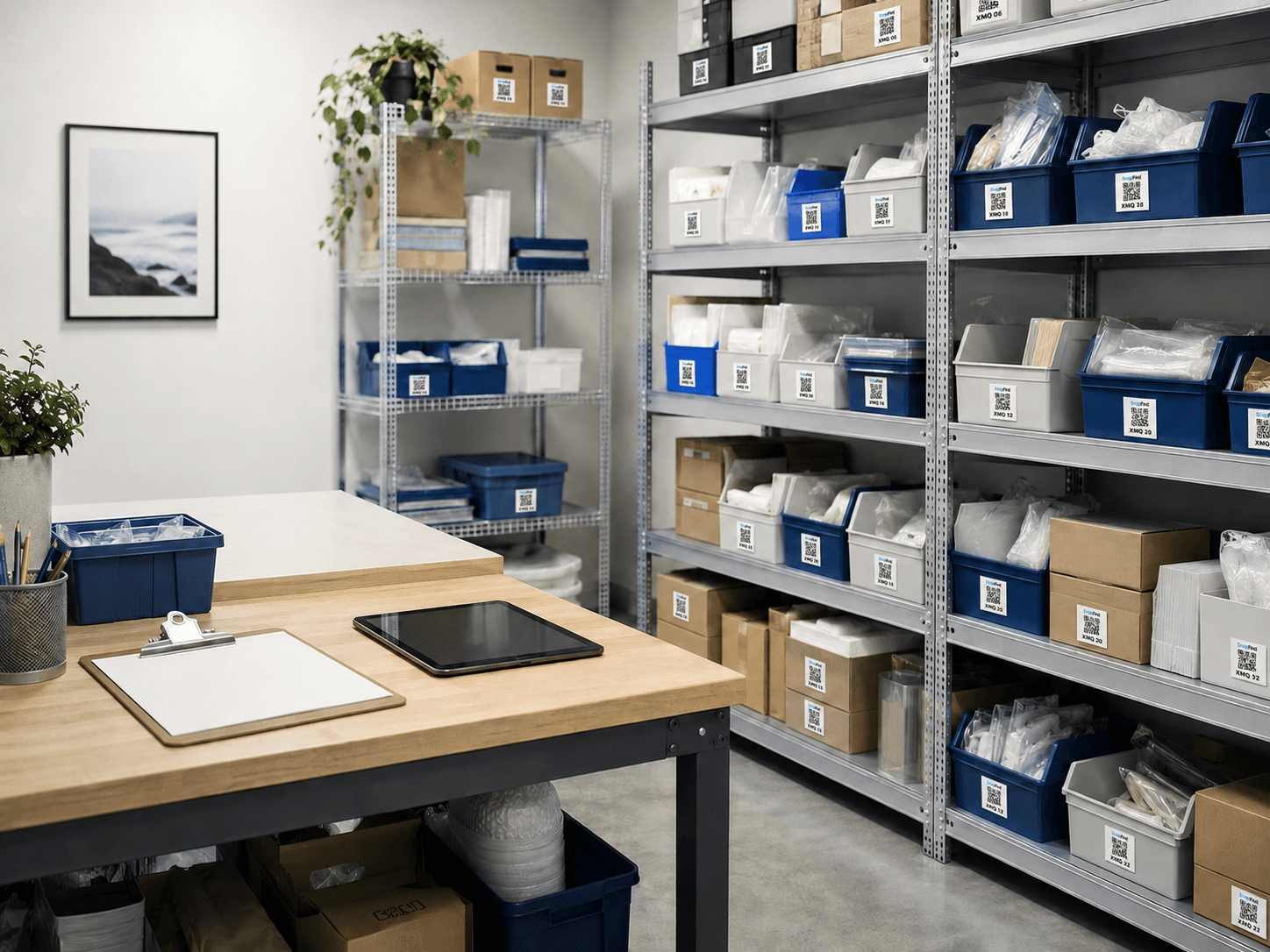
- Poly mailers, 10 × 13 inShipping×6 packs
- Bubble wrap rollPacking×2
- Nitrile gloves, boxSafety×4
- Shipping boxes, mediumShipping×18
- Thermal label rollsOffice×5
Check-out
Know who has it, and when it comes back.
Check out a drill, a projector or a whole kit to a person or a job, with a due date. Borrowers get a receipt and a reminder by email even if they never install anything, and you get a nudge when something is overdue.
- Named borrowers, due dates and partial quantities
- Reminder and overdue emails to people outside your account
- Check out a whole container as a kit in one tap
Checked out
4 items · 3 people- Due Fri
Hammer drill
Crew 2
- Due today
Projector kit · 5 items
Room 204
- 2 days late
Laser level
Site: Elm St
- Returned
Pressure washer
Crew 1
Stock
Never find out you are out.
Set a minimum level on anything you keep stocked, or let the AI suggest one. When stock drops below it, you hear about it right away, by push and by email.
- Minimum levels and low-stock alerts by email and push
- AI-suggested minimums for everything you keep stocked
- One low-stock list on the web dashboard, ready to shop from
Below minimum
3 items- Nitrile gloves, L2 / min 10
- Zip ties, 8 in40 / min 100
- HDMI cable, 6 ft3 / min 5
Low-stock alert sent
3 items · by push and email
Control
See every change, and who made it.
Share each space with only the people who use it. Every add, edit, move and check-out lands in a plain-English activity log you can search, filter and export.
- Choose which spaces each person can see
- Remove someone’s access in one click
- Activity history with field-by-field changes and CSV export
Activity
Today- JR
JR moved 3 cordless drills to Van 2
Van 29:41 - AM
AM added 12 items to Shelf 3 from one photo
Stockroom A9:12 - KT
KT changed Value on Laptop #18
Office8:55 - JR
JR checked out Laser level to Site: Elm St
Site: Elm St8:30
And everything around it
The details that make it stick.
Inventory systems fail when they are slower than a guess. These are the parts that keep a team using it.
Search that understands you
Type "the blue extension cord" or search by photo. Results show the exact container and where it lives.
Every location in one place
Warehouses, vans, stockrooms and sites, each with its own address, hours and gate code.
A real web dashboard
Bulk actions, drag and drop and a command palette for the people who live at a desk.
Works without signal
Basements, trailers and job sites. Changes save on the phone and sync when it reconnects.
Custom fields
Serial numbers, warranty dates, cost, condition. Add the fields your team needs to every item.
Date and expiry reminders
Warranties, calibrations, inspections and expiry dates, with a reminder before the day arrives.
Public container pages
Share what is inside a container with a client, a tenant or a cleaner, no account needed.
Reports and exports
An insurance-ready PDF report with photos and values, and a CSV export of everything.
12 languages
English, Spanish, French, German, Portuguese and more, so the whole crew works in their own language.
Industries
Built for teams whose stuff moves.
Vans, job sites, rental units, classrooms and stockrooms. If your team hands things off, SnapFind keeps track of where they went.

Contractors & trades
Tools across vans, trailers and job sites, and a record of who took the good drill.
Learn more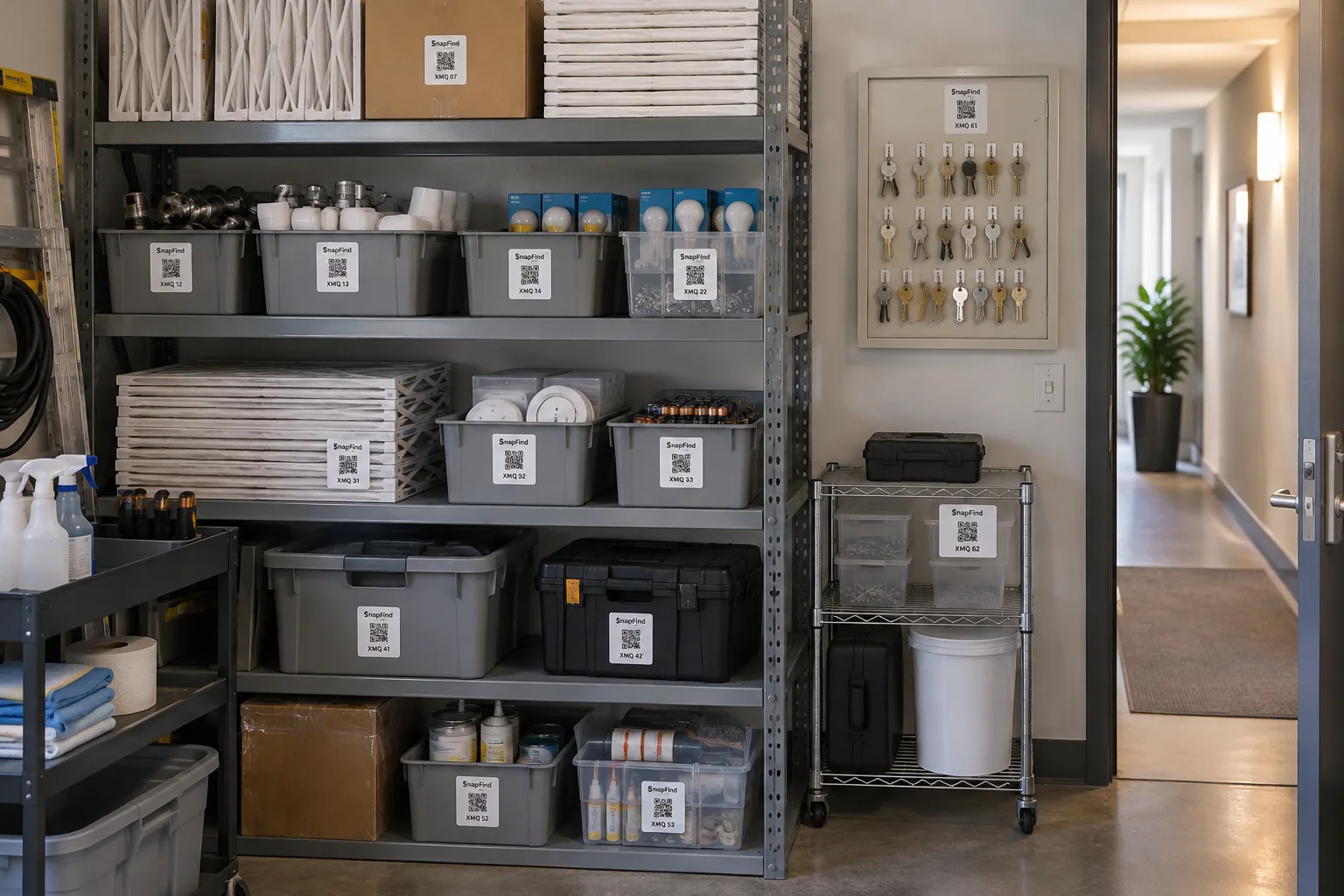
Property management
Every unit’s furnishings and supplies, with photos to settle turnover disputes.
Learn more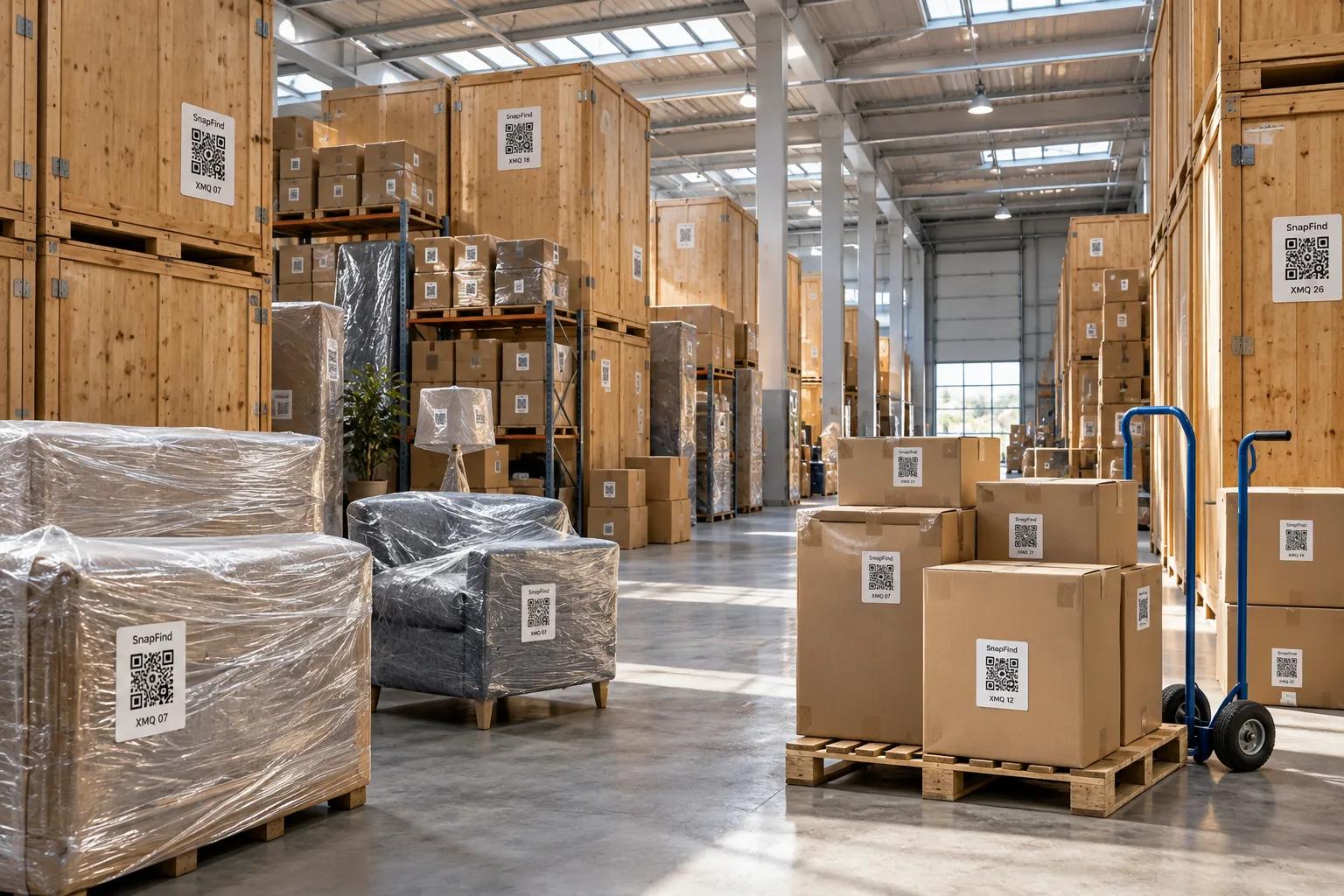
Moving & storage
Photograph and label every box on the job, then hand the client a searchable list.
Learn more
IT & office equipment
Laptops, monitors and spares with serials, owners and warranty dates.
Learn more
Prop houses & production
One-of-a-kind pieces found by describing them, and checked out to productions with a due date.
Learn more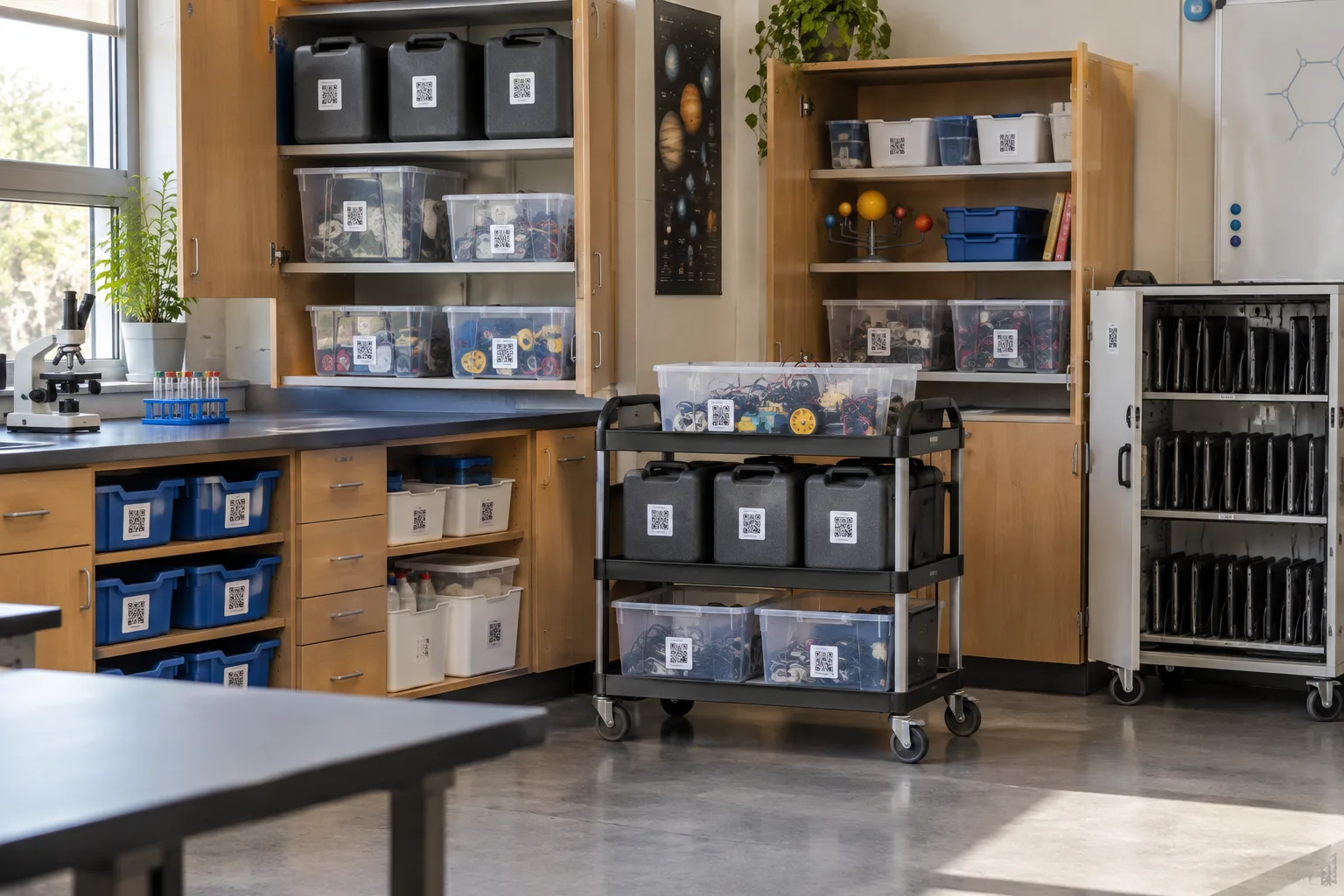
Schools & districts
Classroom kits, lab equipment and shared supply rooms across buildings and staff.
Learn more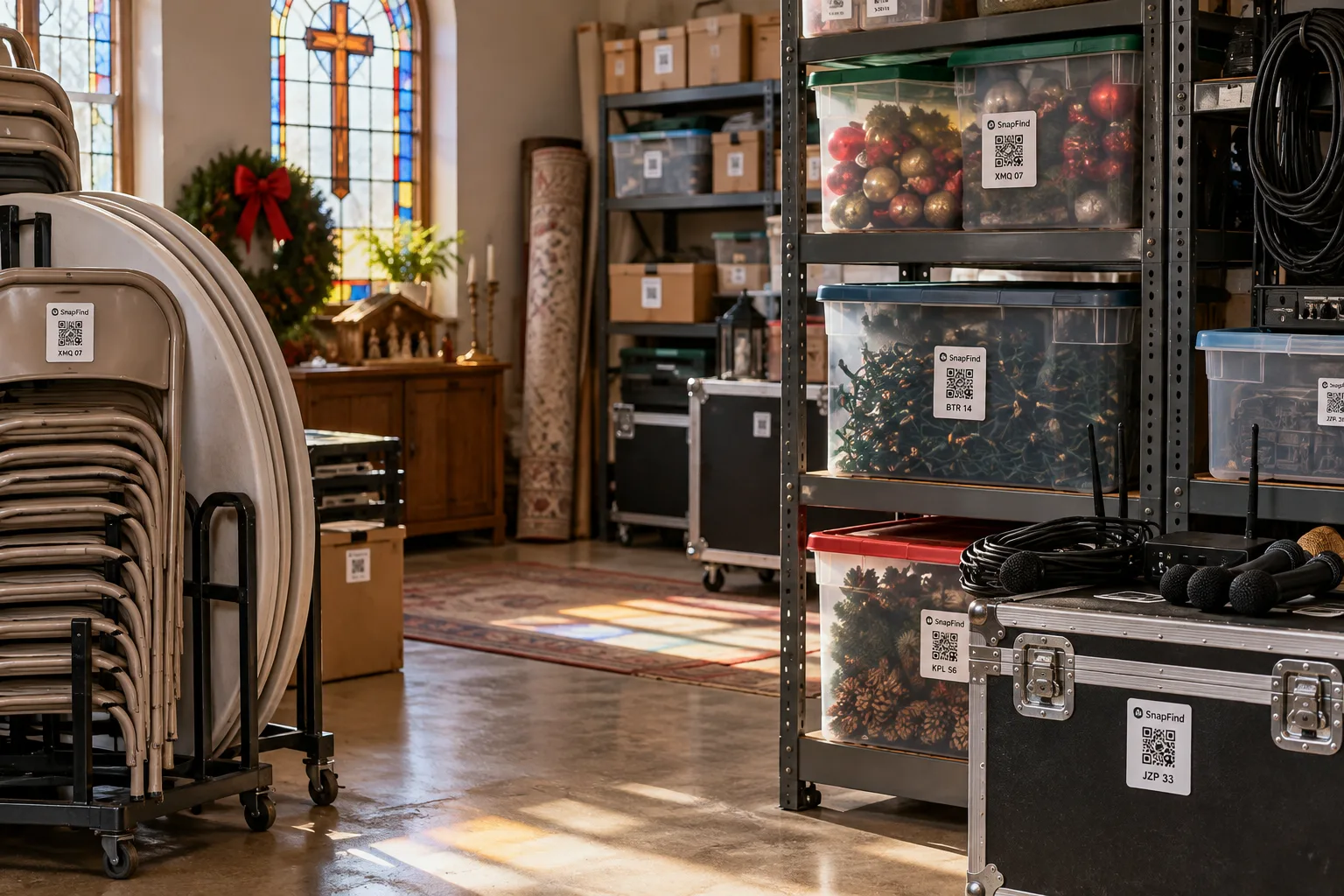
Churches & nonprofits
Donated goods, event supplies and shared equipment, run by volunteers who change every week.
Learn moreShops & small business
Stockrooms, supplies and back-of-house gear, with low-stock alerts before a busy weekend.
Learn moreIntegrations
Fits the tools you already run.
Bring your list in from a spreadsheet or another app, and ask your inventory questions from the AI assistant you already use.
Claude
AI assistant
ChatGPT
AI assistant
Excel & Google Sheets
Import & export
Other inventory apps
Import
Built for AI
Ask your inventory a question.
Connect Claude or ChatGPT and ask in plain English: what is in Van 2, which drills are overdue, where the folding tables went. Your assistant reads the inventory through a secure connector you can revoke any time.
- What is checked out and overdue this week?
- Where are the extension cords, and which bin are they in?
- How many folding tables do we have across every location?
No surprise renewals
The price you sign up at is the price you keep.
Inventory software has a habit of discounting year one and doubling year two. We put the opposite in writing.
Your price is locked
For as long as you stay on your plan. List-price changes only ever apply to new customers.
No item limits. Ever.
Not at 500 items, not at 5,000. Paid plans have no item cap, and never will.
Pricing
One flat price. No item limits.
Every plan includes unlimited items and the full AI camera. You pay for people, not for the size of your inventory.
Teams
For a small crew getting organized
$13.33/mo
Billed $159.99 yearly · up to 6 people
- Owner + 5 people
- Unlimited items
- AI photo capture and barcode scanning
- Check-out with due dates and reminders
- Web dashboard
- Insurance and inventory PDF reports
Business
For teams that run on their inventory
$29/mo
Billed $348 yearly · 10 people included
Extra seats $6/mo each, billed yearly
- Everything in Teams
- 10 people included, add more any time
- Choose which spaces each person sees
- Activity history, unlimited retention
- Low-stock alerts and AI-suggested minimums
- Import from spreadsheets or another inventory app
- Free assisted migration
30 days free · $0 today · cancel anytime
Enterprise
For larger teams and multiple sites
Custom
For 25+ people
- Everything in Business
- Volume seat pricing
- Invoice, ACH and Net-30 billing
- Onboarding call and a named contact
Security & trust
Your inventory is your business. We treat it that way.
Encrypted everywhere
Data is encrypted in transit and at rest on Google Cloud infrastructure.
Access by space
Give each person only the spaces they need, and remove access in one click.
Full audit trail
Every add, edit, move and check-out is recorded with who did it and when.
Your data stays yours
Export your whole inventory to CSV whenever you want. No lock-in, no export fees.
Private by default
We never sell your data or train public AI models on your inventory.
Backed up continuously
Changes sync to the cloud as they happen, and the phone keeps working offline.
FAQ
Questions teams ask first
Is there really no item limit?
Yes. Every paid SnapFind plan has unlimited items, and quantities never count against anything. You will never be asked to delete items or move up a plan because your inventory grew.
Can I bring my data from another inventory app or a spreadsheet?
Yes. Upload a CSV or Excel export and the AI maps the columns for you, including folders, quantities, custom fields and photo links. Run it again later and it updates the items you already have instead of creating duplicates. Business plans include a free assisted migration.
Do I need special hardware?
No. Any iPhone or Android phone is a scanner. If you want labels, we ship waterproof QR labels, or you can print your own sheet.
What happens at renewal?
You pay the same price you signed up at, and you can cancel yourself from your account page, no phone call needed.
Does it work offline?
Yes. The apps keep working in basements, trailers and job sites with no signal, and sync automatically when they reconnect.
Can our AI assistant use it?
Yes. Connect Claude or ChatGPT through the SnapFind connector and ask questions about your inventory in plain English.
How does the free trial work?
Start a 30-day trial of the full Business plan for your whole team. You add a card when you start and nothing is charged until day 31. Cancel from your account page before then and you pay nothing.
Get your first shelf done today.
Start a 30-day trial for your whole team. $0 today, cancel anytime, and we will move your spreadsheet in for you.
Switching from another inventory app? See how SnapFind compares
Organizing your own home instead? SnapFind for home