
For restoration & insurance
A pack-out the adjuster can actually read.
After a fire or a flood, every item in the house has to be listed, photographed, valued and tracked through cleaning and storage. SnapFind turns room-by-room photos into a contents list with values, so the crew packs and the inventory writes itself.
14-day free trial$0 todayFree field seats
Claim 4471 · Main floor › Box 7 · Kitchen
- Stand mixer, smoke
- Dinner plates ×12
- Knife block
The problem
Why it slips today.
Itemising by hand
A three-bedroom pack-out is thousands of line items. Typing them up takes longer than the packing.
Boxes lost in the process
Items move from the house to the cleaning line to the vault and back. One missing box becomes a dispute.
Lists the adjuster sends back
“Misc kitchen items, 1 box” is not a contents list. Vague lines slow the claim and the payment.
Set up for you
Your first walk-through, already organized.
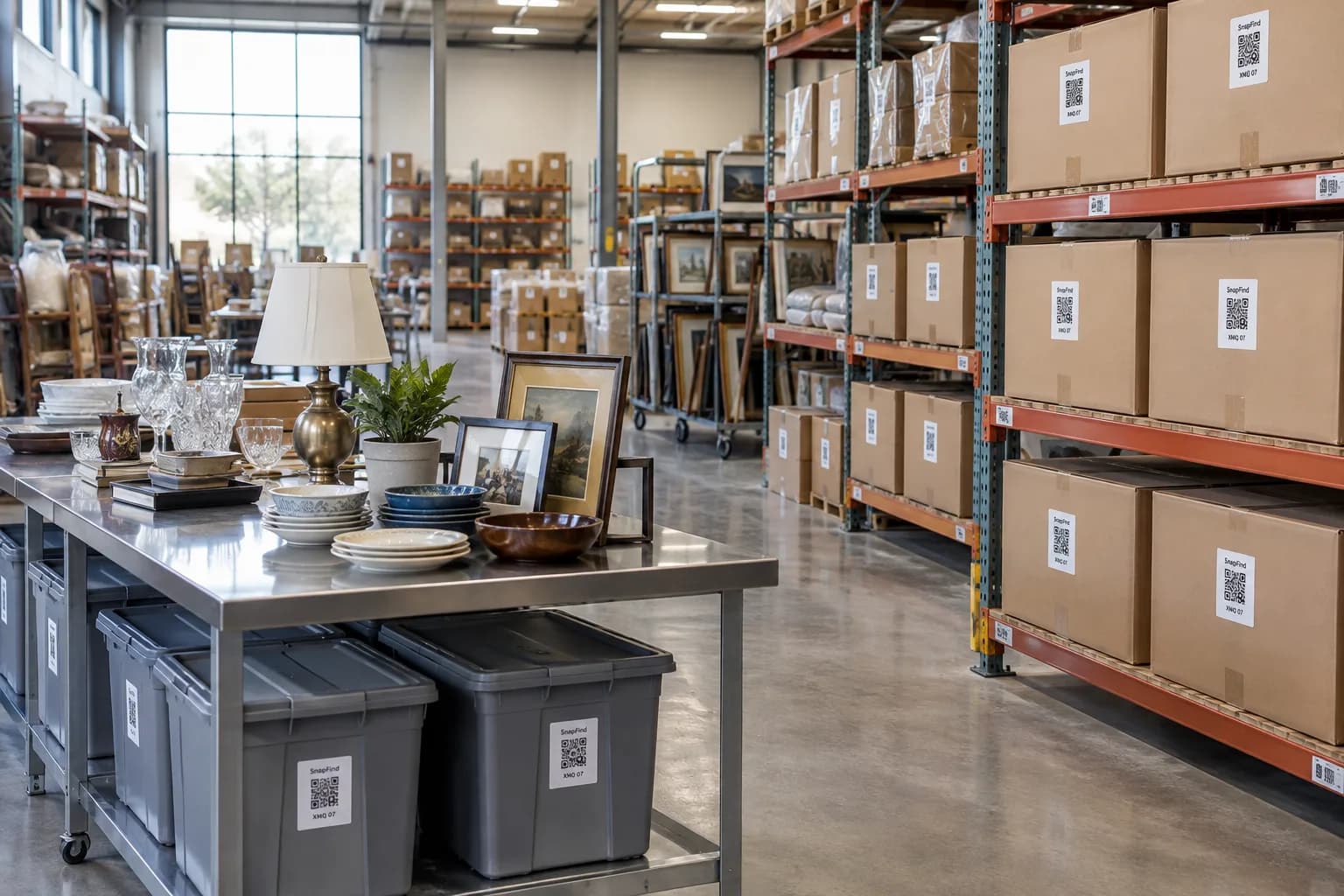
Photograph each space once. SnapFind's AI names every item, puts it in the right container and gives the container a QR label. This is what day one looks like for restoration.
Claim 4471 · Main floor
Box 7 · Kitchen
- Stand mixer, smoke
- Dinner plates ×12
- Knife block
Box 15 · Living room
- Table lamp ×2
- Picture frames ×9
- Vinyl records ×40
Cleaning line
Ultrasonic bay
- Box 7
- Box 12
- Box 19
Vault 4
- Boxes 1–6
- Sofa, wrapped
- Area rug
How it works
Set up in an afternoon, by camera.
No spreadsheets to fill in and no scanner hardware to buy. The phone in your pocket does the data entry.
- 01
Photograph each room
The AI lists every item it can see, with brand, condition notes and a replacement value.
- 02
Label every box
Each box carries a QR label tied to its room and its contents, and moves through cleaning and storage with them.
- 03
Export the contents list
Room by room, item by item, with photos and values, as CSV, Excel or PDF for the adjuster.
Built for restoration
The parts that matter for your team.
Values from the photo
A fair replacement value for each item, which your estimator can adjust before it goes out.
Rooms, trucks and vaults
Every item keeps its original room while it moves through cleaning, storage and back home.
Claim fields
Claim number, condition, salvageable or not, cleaning status — required where you need them.
Free crew seats
Pack-out techs photograph and scan without a paid seat.
Homeowner and adjuster pages
Share a job’s list with the homeowner or the adjuster, no account needed.
A history for every box
Every scan and move is logged, so you can show where a box has been since it left the house.
Plus everything in SnapFind Business: unlimited items, a web dashboard, offline mode, custom fields, reports and 12 languages. See the whole product
Ask, don’t search
Ask your inventory a question.
Type a question the way you would ask a colleague, in the app, on the web or from Claude or ChatGPT. The answer comes back with the container, the location and who has it.
- What is the total value of the kitchen on claim 4471?
- Where is box 15 right now?
- List everything marked non-salvageable, with photos.
Pricing
One flat price. No item limits.
Every plan includes unlimited items and the full AI camera. You pay for people, not for the size of your inventory.
Teams
For a small crew getting organized
$13.33/mo
Billed $159.99 yearly · up to 6 people
- Owner + 5 people
- Unlimited items
- AI photo capture and barcode scanning
- Check-out with due dates and reminders
- Web dashboard
- Insurance and inventory PDF reports
Business
For teams that run on their inventory
$29/mo
Billed $348 yearly · 10 people included
Extra seats $6/mo each, billed yearly
- Everything in Teams
- Unlimited free field seats
- Roles and permissions per space
- Activity history, unlimited retention
- Low-stock alerts and AI-suggested minimums
- Stock counts by scan or photo
- Purchase orders and vendors
- QuickBooks, Xero, Slack and Microsoft Teams
- REST API, webhooks and Zapier
- Free assisted migration
14 days free · $0 today · cancel anytime
Enterprise
For larger teams and multiple sites
Custom
For 25+ people
- Everything in Business
- Volume seat pricing
- Single sign-on (SAML and OIDC)
- Invoice, ACH and Net-30 billing
- Multi-account access for franchises and agencies
- Onboarding call and a named contact
FAQ
Questions restoration ask first
How do restoration companies inventory a pack-out faster?
Photograph each room. SnapFind’s AI lists every item it can see with a replacement value, and each packed box gets a QR label tied to its room and contents, so nobody types a line item.
Can I export a contents list for the adjuster?
Yes. Export a job room by room with photos, quantities and values as CSV, Excel or a PDF report.
Can I track items through cleaning and storage?
Yes. Boxes move between locations — the house, the truck, the cleaning line, the vault — and every scan is logged, so you can show where a box has been.
Can I add claim numbers and condition?
Yes. Add custom fields like claim number, condition and salvageable, and make them required on every item.
Free template
Still on a spreadsheet? Start from ours.
Download it as Excel or CSV, or set it up in SnapFind in one click.
Also built for
Teams that work like yours.
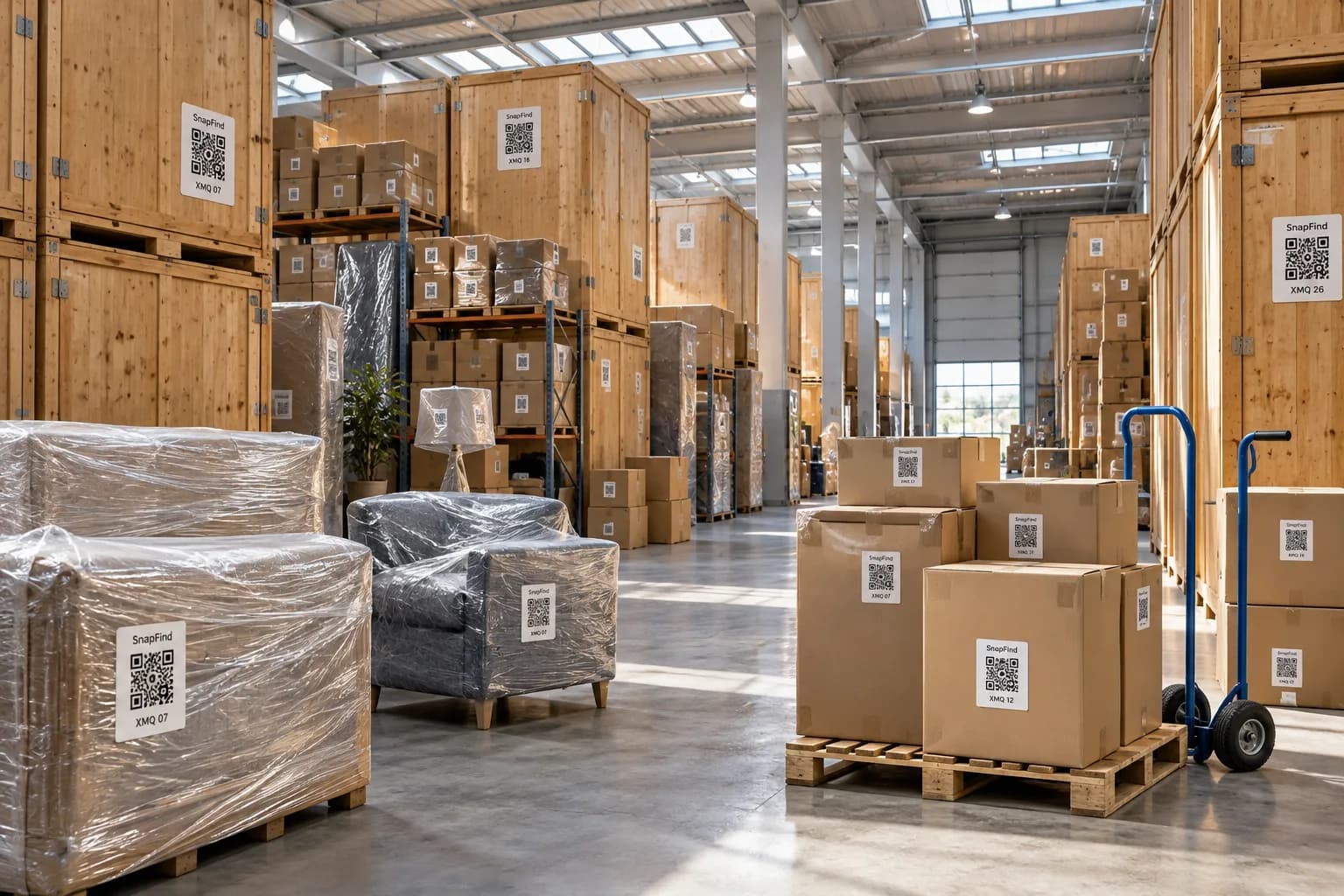
Moving & storage companies
Every box on the job photographed and labelled, with a searchable list for the client.
Learn more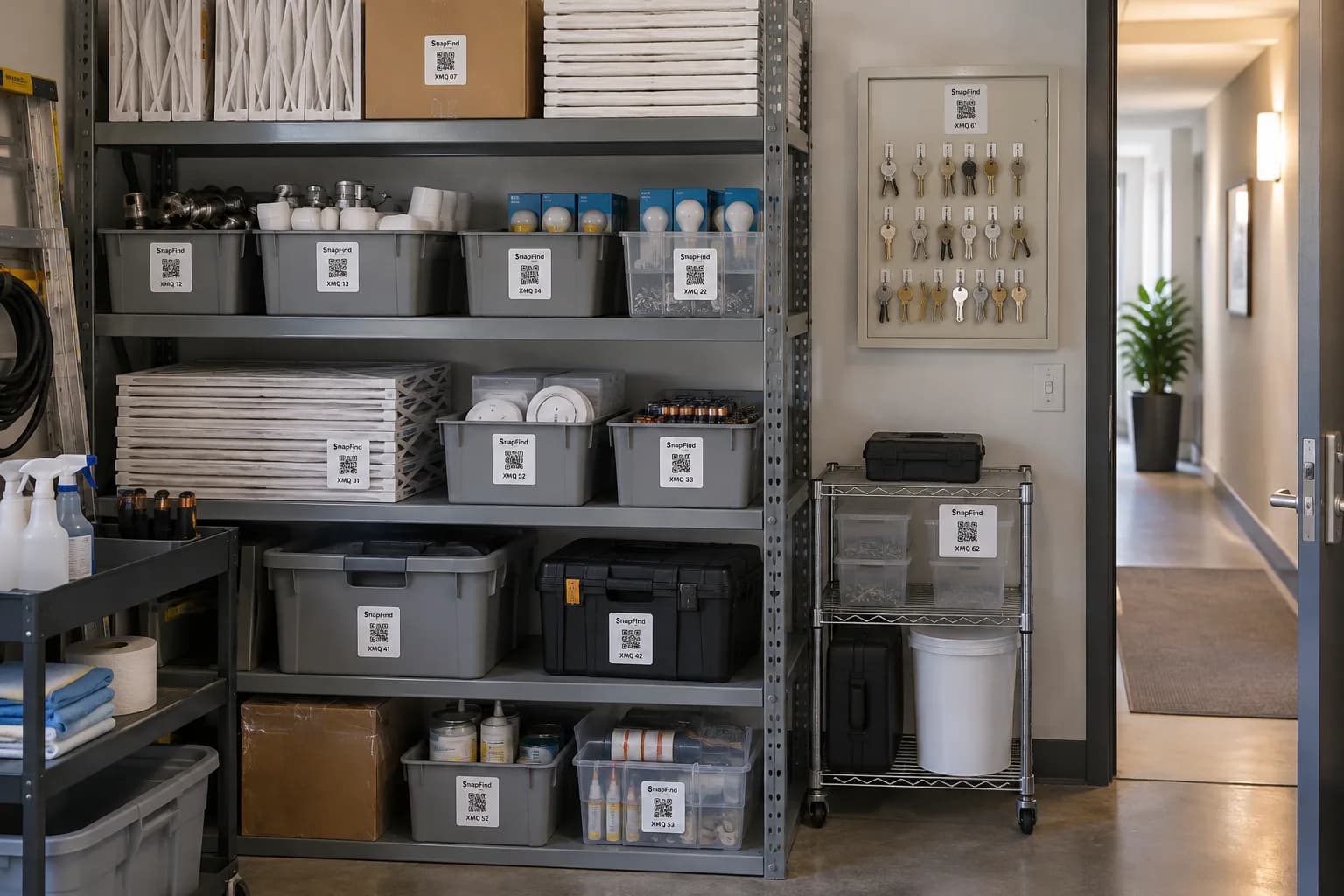
Property management
Every unit’s appliances, furnishings and spares, with photos for move-in and move-out.
Learn more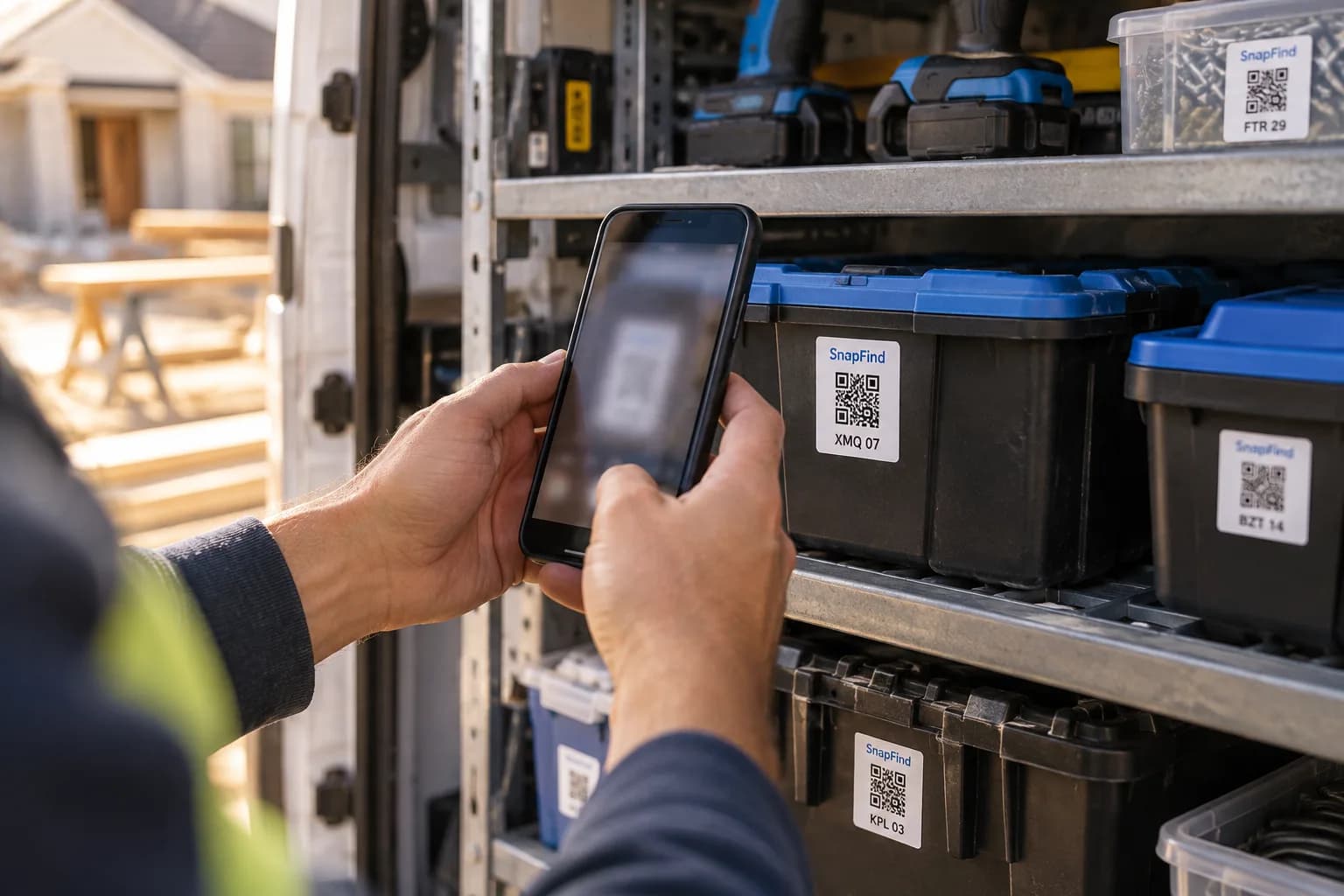
Contractors & trades
Tools across vans, trailers and job sites, checked out to a person with a due date.
Learn moreGet your first shelf done today.
Start a 14-day trial for your whole team. $0 today, cancel anytime, and we will move your spreadsheet in for you.