
For property managers
Every unit, documented in one walkthrough.
A walkthrough with a phone becomes a list of every appliance, fixture and furnishing in the unit, with photos. Keep move-in and move-out records, track the spares in every maintenance closet, and share a unit’s list with its owner.
14-day free trial$0 todayFree field seats
412 Elm · Unit 3B › Kitchen
- Dishwasher, model on file
- Range, 30 in
- Microwave, over-range
The problem
Why it slips today.
Move-out disputes with no proof
The tenant says the dishwasher was already broken. Without dated photos, the deposit conversation goes nowhere.
Spares scattered across buildings
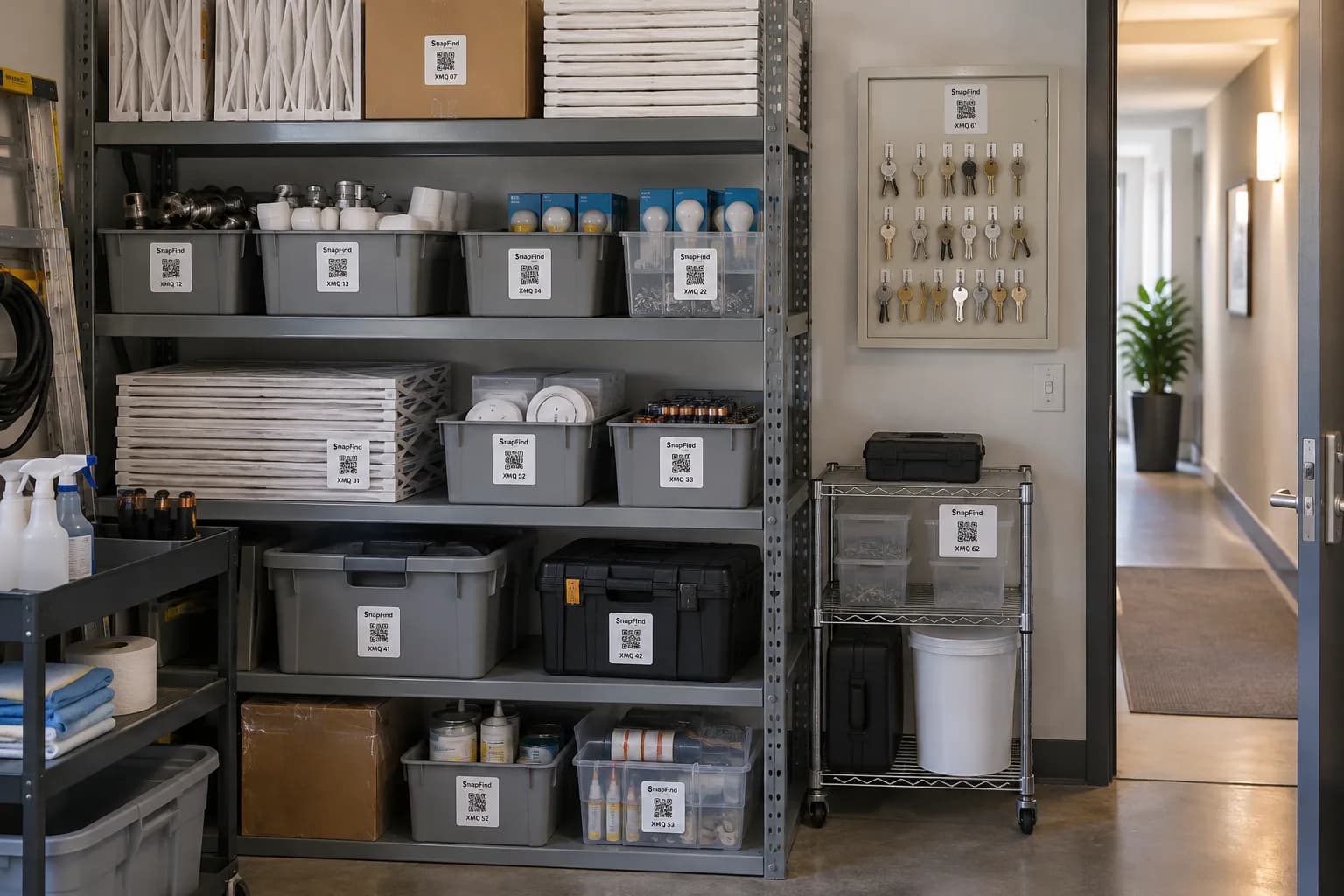
The filters, faucets and door hardware are in three maintenance closets, and techs drive to the store for parts you already own.
Owners ask what is in their unit
An owner wants a list of what is in their furnished unit and what it is worth. Building it means another site visit.
Set up for you
Your first walk-through, already organized.
Photograph each space once. SnapFind's AI names every item, puts it in the right container and gives the container a QR label. This is what day one looks like for property managers.
412 Elm · Unit 3B
Kitchen
- Dishwasher, model on file
- Range, 30 in
- Microwave, over-range
Living room
- Sofa, grey
- Smart thermostat
- Smoke alarm
412 Elm · Maintenance
Closet B1
- HVAC filters 16×25 ×12
- Faucet cartridges ×4
- LED bulbs ×30
Key cabinet
- Unit keys
- Mailbox keys
- Fob blanks ×10
How it works
Set up in an afternoon, by camera.
No spreadsheets to fill in and no scanner hardware to buy. The phone in your pocket does the data entry.
- 01
Walk the unit with a phone
Photograph each room. The AI lists appliances, furniture and fixtures, and reads model and serial numbers from the labels.
- 02
Keep a dated record
Every photo is dated, so move-in and move-out condition sits side by side when it matters.
- 03
Share the list with owners
Send an owner a page for their unit — photos, values and condition — with no account to set up.
Built for property managers
The parts that matter for your team.
Buildings, units and closets
Every property, unit and maintenance closet is its own location, with an address and access notes.
Model, serial and warranty
Read from the appliance label by the AI, and kept with a warranty reminder before it expires.
Maintenance spares
Minimums for filters, bulbs and smoke-alarm batteries, with an alert before the closet is empty.
Roles per property
Techs see their buildings, managers see the portfolio, owners see only their units.
Owner and tenant pages
Share what is in a unit with an owner, a tenant or a cleaner, no account needed.
Condition reports
A unit’s items with photos and values, exported as a PDF for an owner or a deposit dispute.
Plus everything in SnapFind Business: unlimited items, a web dashboard, offline mode, custom fields, reports and 12 languages. See the whole product
Ask, don’t search
Ask your inventory a question.
Type a question the way you would ask a colleague, in the app, on the web or from Claude or ChatGPT. The answer comes back with the container, the location and who has it.
- When was the dishwasher in 3B installed, and is it under warranty?
- Which buildings are low on furnace filters?
- Show me 3B’s kitchen at move-in and at move-out.
Pricing
One flat price. No item limits.
Every plan includes unlimited items and the full AI camera. You pay for people, not for the size of your inventory.
Teams
For a small crew getting organized
$13.33/mo
Billed $159.99 yearly · up to 6 people
- Owner + 5 people
- Unlimited items
- AI photo capture and barcode scanning
- Check-out with due dates and reminders
- Web dashboard
- Insurance and inventory PDF reports
Business
For teams that run on their inventory
$29/mo
Billed $348 yearly · 10 people included
Extra seats $6/mo each, billed yearly
- Everything in Teams
- Unlimited free field seats
- Roles and permissions per space
- Activity history, unlimited retention
- Low-stock alerts and AI-suggested minimums
- Stock counts by scan or photo
- Purchase orders and vendors
- QuickBooks, Xero, Slack and Microsoft Teams
- REST API, webhooks and Zapier
- Free assisted migration
14 days free · $0 today · cancel anytime
Enterprise
For larger teams and multiple sites
Custom
For 25+ people
- Everything in Business
- Volume seat pricing
- Single sign-on (SAML and OIDC)
- Invoice, ACH and Net-30 billing
- Multi-account access for franchises and agencies
- Onboarding call and a named contact
FAQ
Questions property managers ask first
How do property managers inventory a unit quickly?
Walk the unit and photograph each room. SnapFind’s AI lists every appliance, fixture and furnishing it can see, reads model and serial numbers from labels, and saves the dated photos with them.
Can I use it for move-in and move-out inspections?
Yes. Every photo is dated, so you can compare a unit’s condition at move-in and move-out and export the result as a PDF.
Can owners see their unit without an account?
Yes. Share a page for a unit or a room. The owner sees its items and photos and nothing else in your account.
Can maintenance techs use it without paid seats?
Yes. Field seats are free for people who scan, move, count and check out parts.
Free template
Still on a spreadsheet? Start from ours.
Download it as Excel or CSV, or set it up in SnapFind in one click.
Also built for
Teams that work like yours.
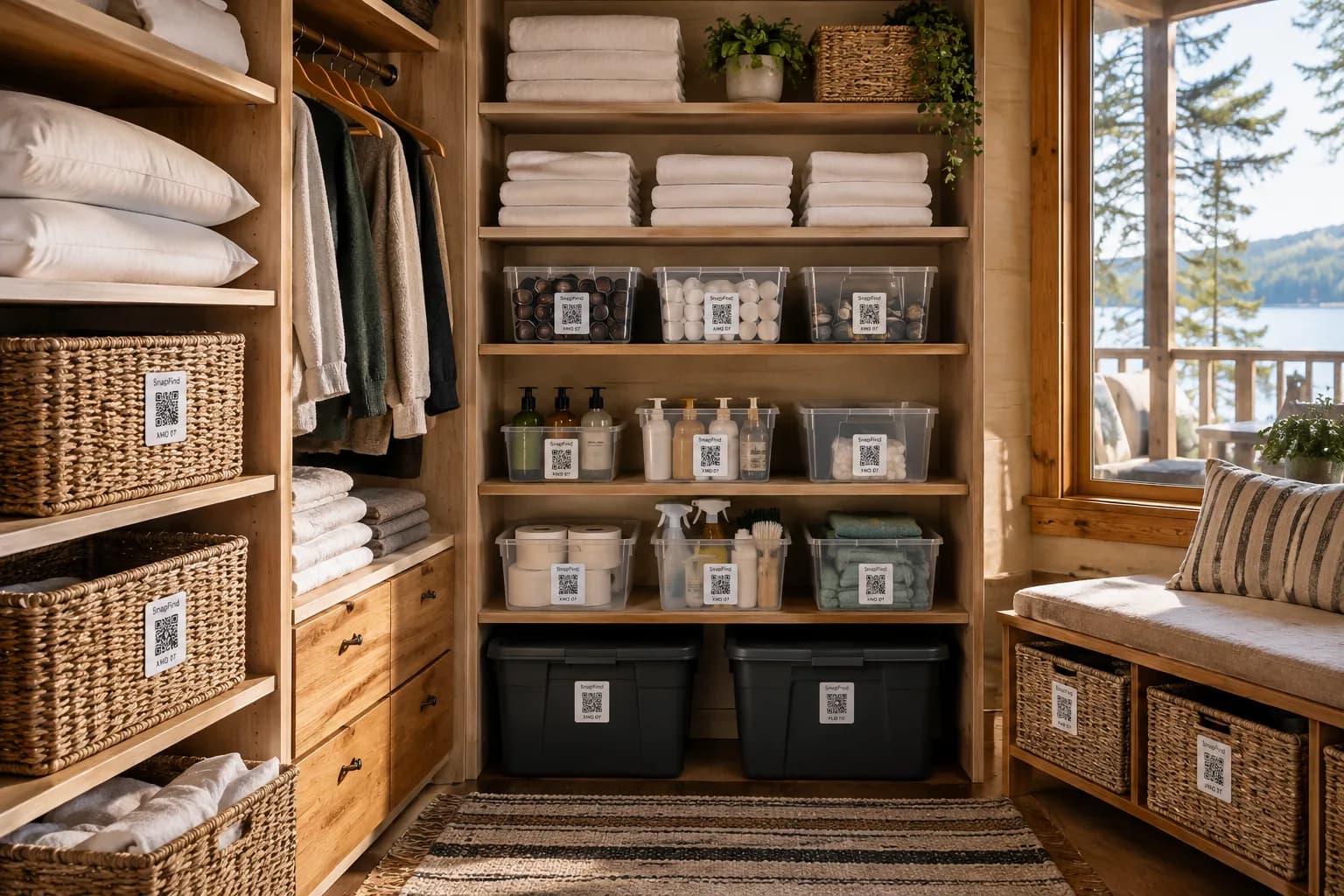
Short-term rental hosts
Every listing’s furnishings and supplies, restocked before the next guest arrives.
Learn more
Moving & storage companies
Every box on the job photographed and labelled, with a searchable list for the client.
Learn more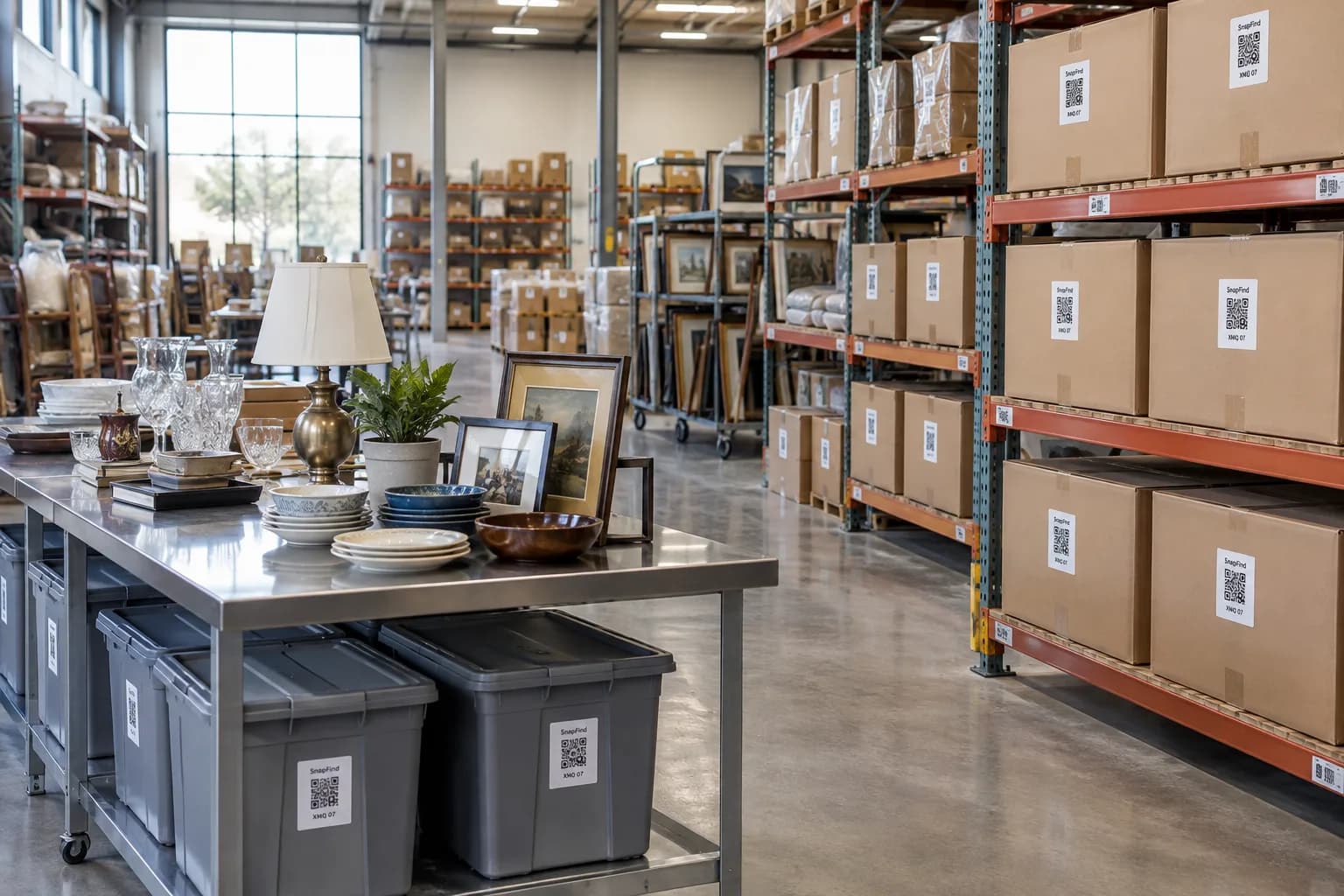
Restoration & contents
Pack-outs photographed room by room, with a contents list the adjuster can read.
Learn moreGet your first shelf done today.
Start a 14-day trial for your whole team. $0 today, cancel anytime, and we will move your spreadsheet in for you.
Looking for SnapFind for yourself? Vacation Rentals & Airbnb