
For moving & storage companies
Every box on the job, on one list.
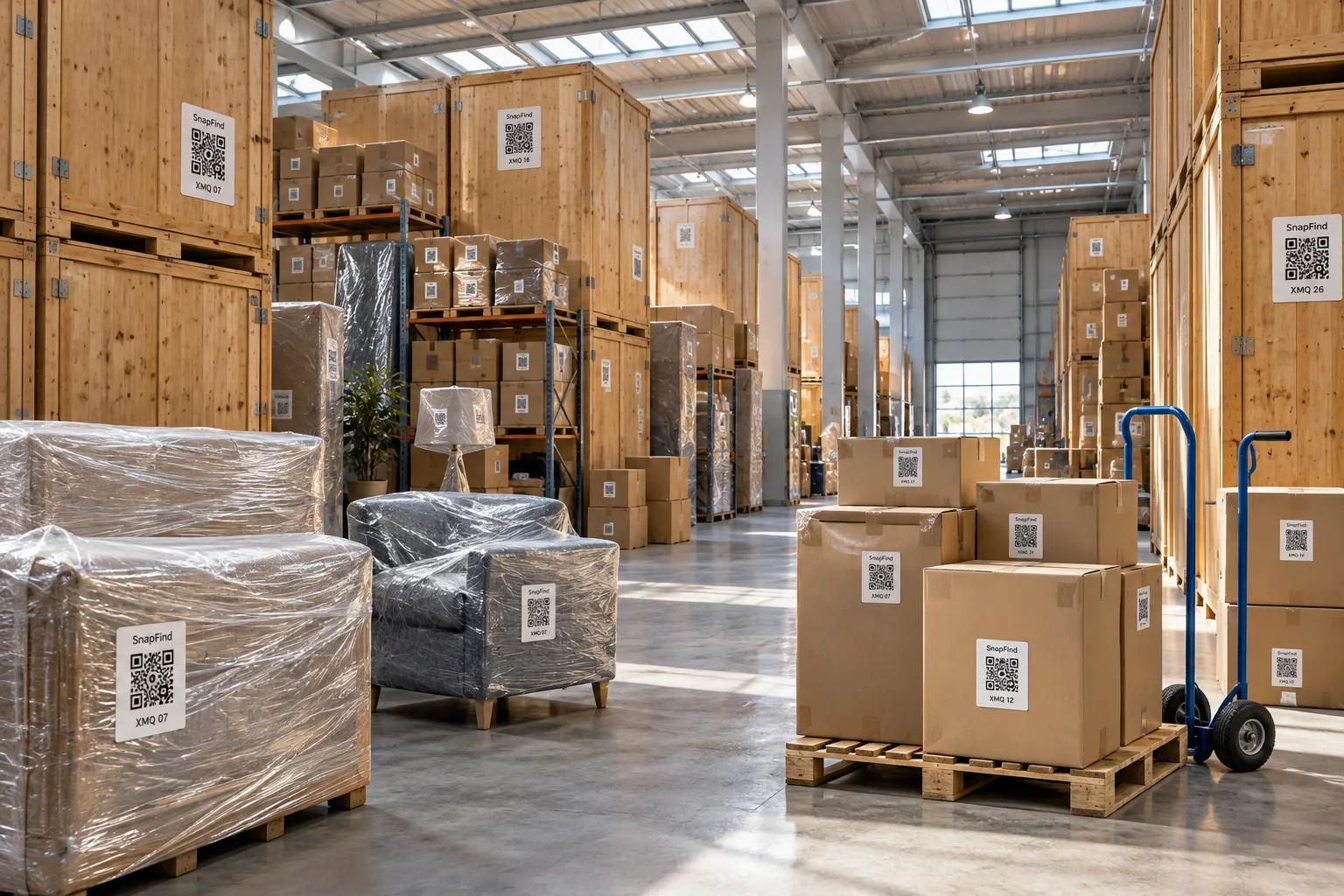
Your crew photographs and labels each box and piece as it is packed. The client can scan any box to see what is inside, your warehouse can find anything in a vault in seconds, and a damage claim starts with a dated photo.
14-day free trial$0 todayNo item limits
Job 2291 · Martinez › Box 12 · Office
- Passports folder
- Laptop charger
- Tax files 2025
The problem
Why it slips today.
Paper inventory sheets
A numbered sticker and a line of handwriting is all anyone knows about box 73. Clients call to ask where the passports went.
Storage retrievals take hours
A client wants one box out of a vault of two hundred. Someone unstacks a wall to find it.
Claims without evidence
The client says the dresser was not scratched before the move, and the crew says it was. Nobody has a photo.
Set up for you
Your first walk-through, already organized.
Photograph each space once. SnapFind's AI names every item, puts it in the right container and gives the container a QR label. This is what day one looks like for movers.
Job 2291 · Martinez
Box 12 · Office
- Passports folder
- Laptop charger
- Tax files 2025
Box 31 · Kitchen
- Stand mixer
- Mixing bowls ×4
- Baking trays
Warehouse
Vault 18
- Dresser, walnut
- Boxes 40–62
- Floor lamp
Vault 19
- Dining chairs ×6
- Rug, rolled
- Mirror, crated
How it works
Set up in an afternoon, by camera.
No spreadsheets to fill in and no scanner hardware to buy. The phone in your pocket does the data entry.
- 01
Photograph as you pack
The packer takes one photo of each box before it is sealed. The AI lists what is inside, so the label means something.
- 02
Label every box and piece
QR labels on boxes, furniture and vaults. A scan on the truck or in the warehouse shows contents, room and job.
- 03
Show the client every box
Each box’s QR label opens a page of what is inside, so the client can check a box instead of calling.
Built for movers
The parts that matter for your team.
Share by job
Share a job or the warehouse with the crew who need it, and remove access when they leave.
Jobs, trucks and vaults
Each job, truck and storage vault is its own location, so a box is always somewhere.
Find any box in a vault
Search “passports” or “winter coats” and see the box number, the vault and the shelf.
Condition photos
Dated photos at pickup and delivery, for every piece of furniture that could become a claim.
Client box pages
Each box’s page shows the client what is inside, with no app to install.
Exports for your move software
A CSV export of your inventory, so the list lands in the tools you already run.
Plus everything in SnapFind Business: unlimited items, a web dashboard, offline mode, custom fields, reports and 12 languages. See the whole product
Ask, don’t search
Ask your inventory a question.
Type a question the way you would ask a colleague, in the app, on the web or from Claude or ChatGPT. The answer comes back with the container, the location and who has it.
- Which box on the Martinez job has the passports?
- What is in vault 18, and when did it go in?
- Show me the walnut dresser at pickup and at delivery.
Pricing
One flat price. No item limits.
Every plan includes unlimited items and the full AI camera. You pay for people, not for the size of your inventory.
Teams
For a small crew getting organized
$13.33/mo
Billed $159.99 yearly · up to 6 people
- Owner + 5 people
- Unlimited items
- AI photo capture and barcode scanning
- Check-out with due dates and reminders
- Web dashboard
- Insurance and inventory PDF reports
Business
For teams that run on their inventory
$29/mo
Billed $348 yearly · 10 people included
Extra seats $6/mo each, billed yearly
- Everything in Teams
- 10 people included, add more any time
- Choose which spaces each person sees
- Activity history, unlimited retention
- Low-stock alerts and AI-suggested minimums
- Import from spreadsheets or another inventory app
- Free assisted migration
14 days free · $0 today · cancel anytime
Enterprise
For larger teams and multiple sites
Custom
For 25+ people
- Everything in Business
- Volume seat pricing
- Invoice, ACH and Net-30 billing
- Onboarding call and a named contact
FAQ
Questions movers ask first
How do moving companies inventory boxes without slowing the crew down?
One photo per box before it is sealed. SnapFind’s AI lists what is inside and links it to the box’s QR label, so the crew keeps packing and the list builds itself.
Can the client see their inventory?
Yes. Each box’s QR label opens a page that shows the client what is inside, with no account and no app.
Does it work for long-term storage?
Yes. Each vault is a location, so you can search for one box across the warehouse and pull it without unstacking a wall.
Can I keep crews to their own jobs?
Yes. Share each job or the warehouse with the crew who need it, and remove access when someone leaves.
Free template
Still on a spreadsheet? Start from ours.
Download it as Excel or CSV, or set it up in SnapFind in one click.
Also built for
Teams that work like yours.
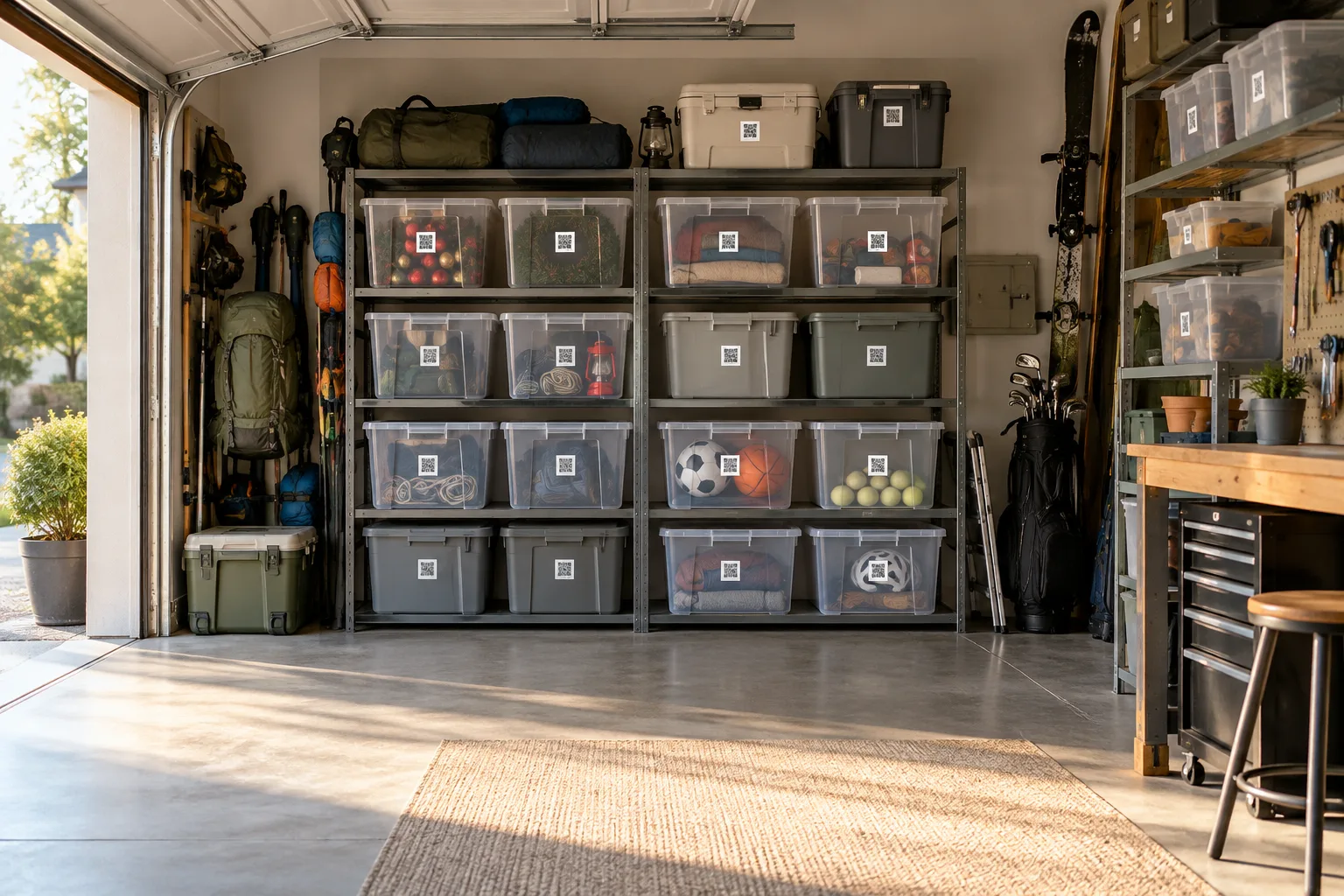
Professional organizers
Every client home labelled and searchable, handed over when the job is done.
Learn more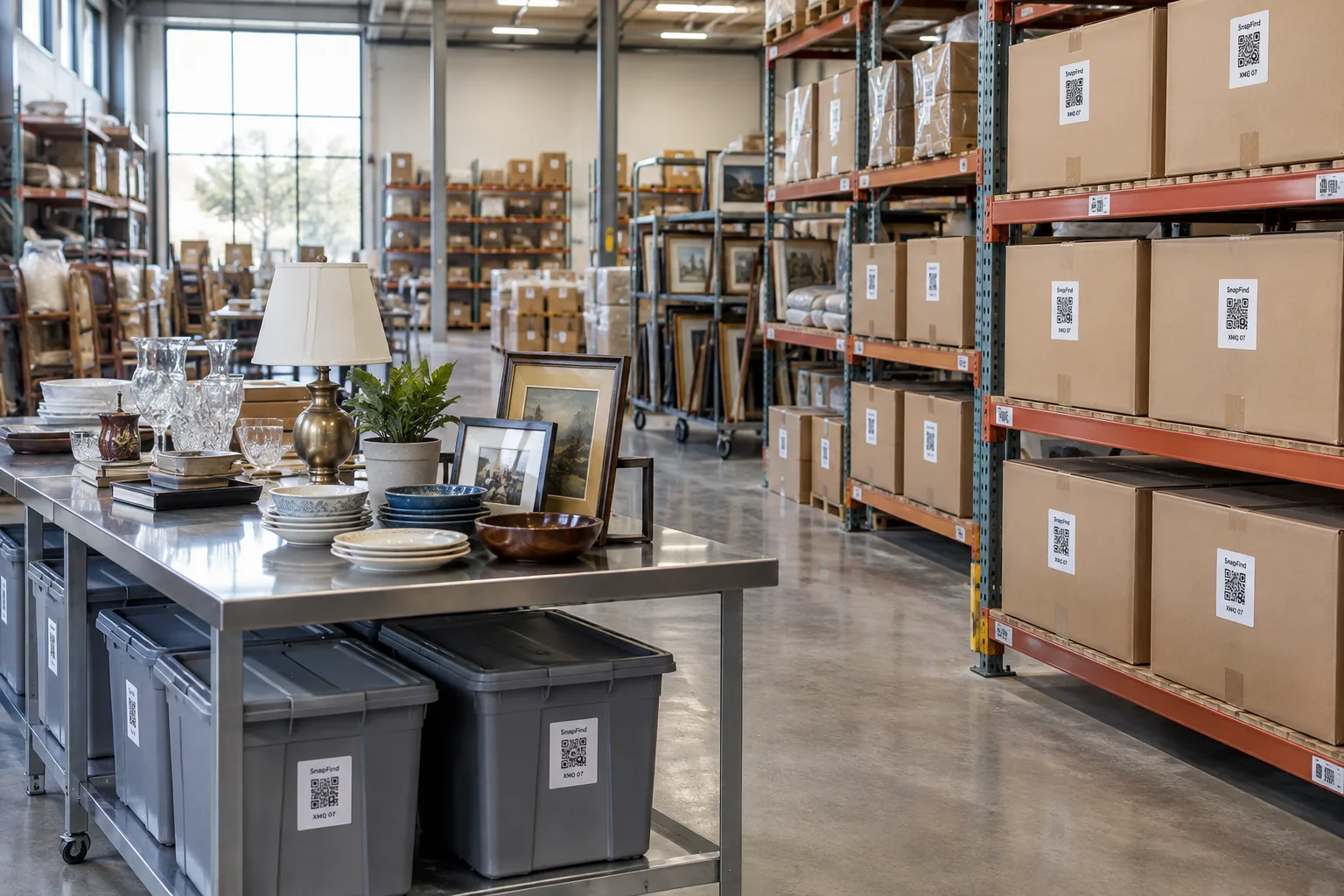
Restoration & contents
Pack-outs photographed room by room, with a contents list the adjuster can read.
Learn more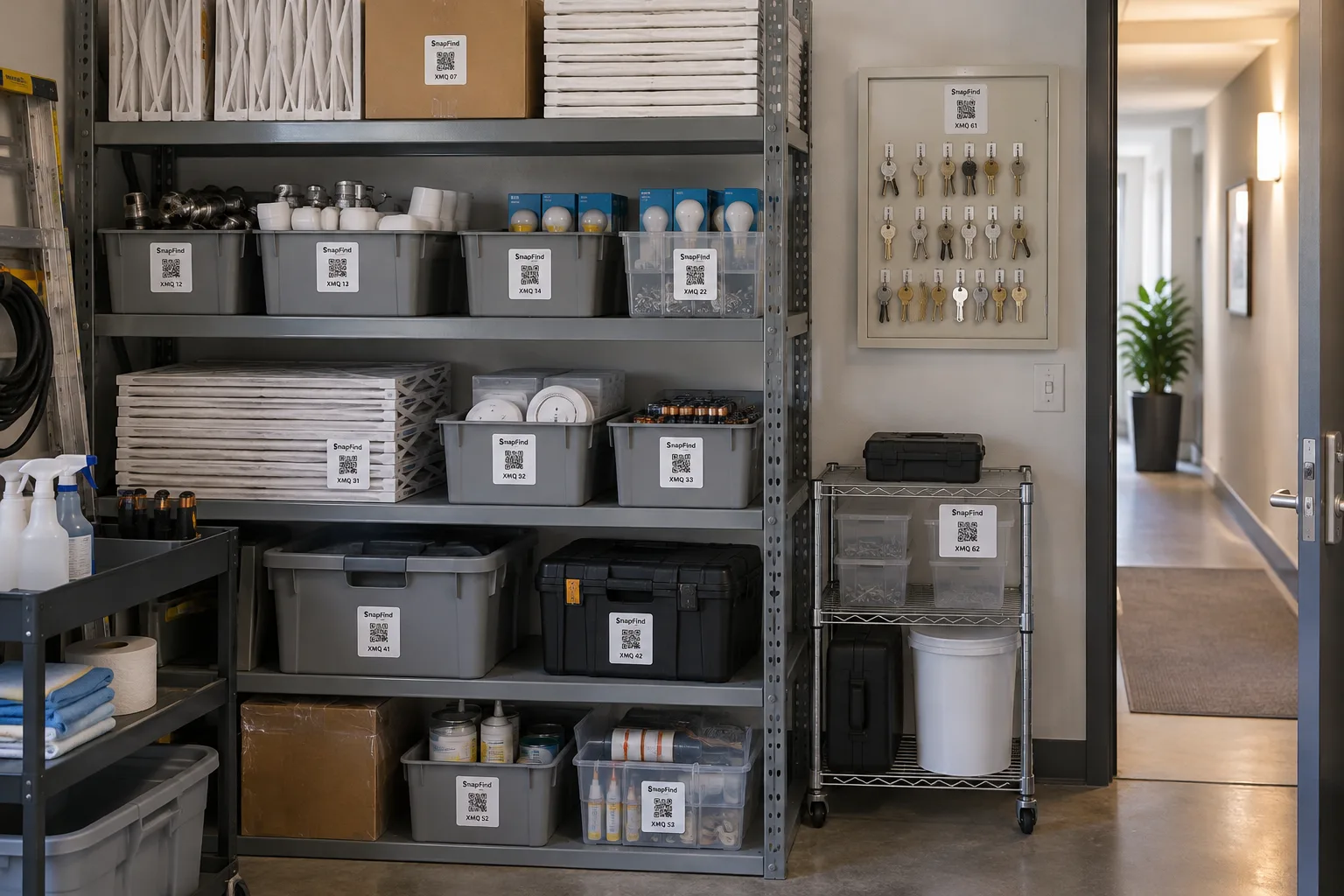
Property management
Every unit’s appliances, furnishings and spares, with photos for move-in and move-out.
Learn moreGet your first shelf done today.
Start a 14-day trial for your whole team. $0 today, cancel anytime, and we will move your spreadsheet in for you.
Looking for SnapFind for yourself? Moving & Packing