
For professional organizers
Leave every client a home they can search.
You organise the garage in a day. Six months later the client can’t remember which bin the camping gear went into. SnapFind lets you photograph and label every bin as you work and hand the client a searchable inventory as part of the job.
14-day free trial$0 todayFree field seats
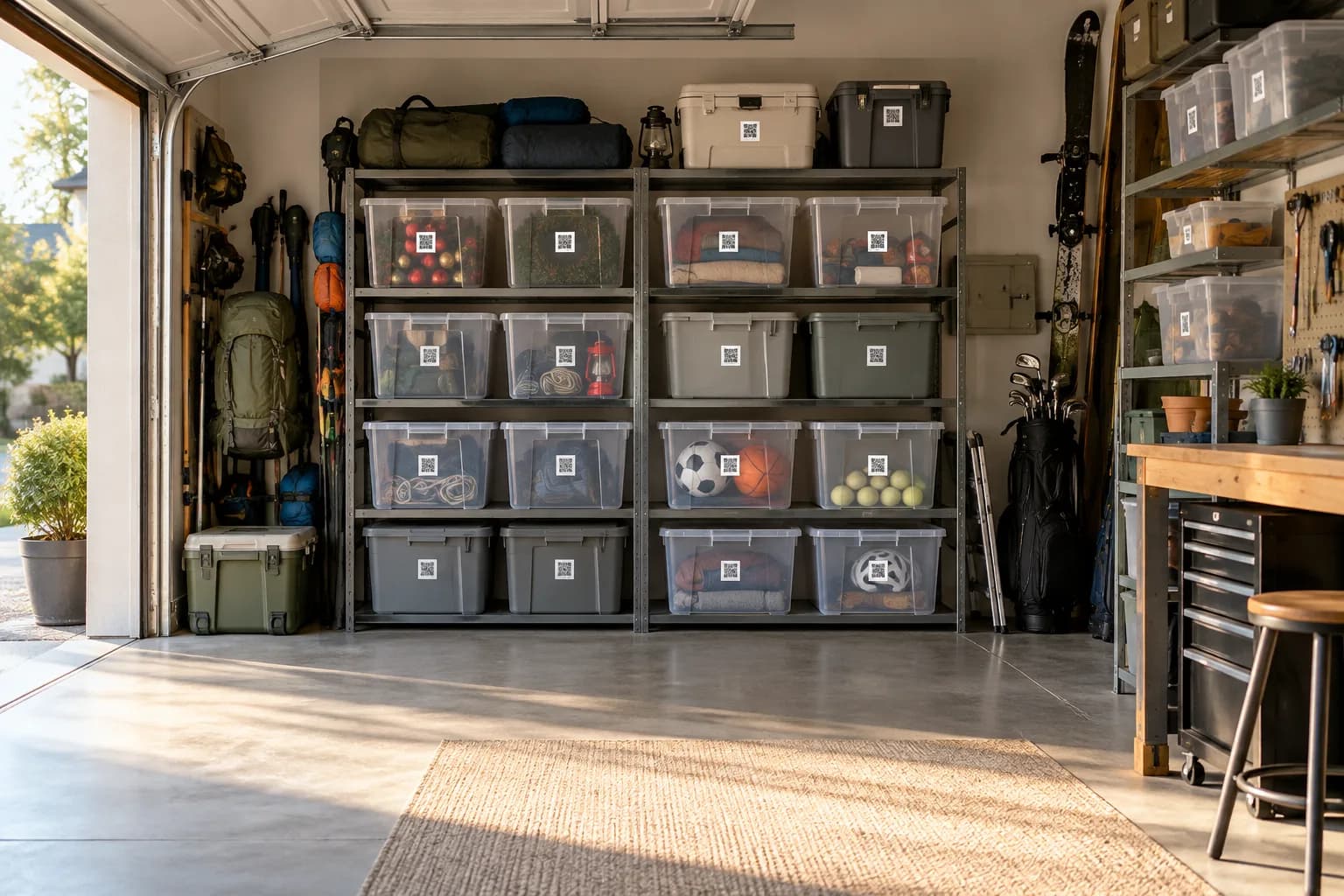
Chen home · Garage › Bin 01 · Camping
- Camping stove
- Lantern ×2
- Sleeping bags ×4
The problem
Why it slips today.
The system fades after you leave
Labels say “Misc” and “Holiday”. Without a list behind them, the client is back to opening every bin.
Typing up an inventory is unpaid time
Listing what went into each bin doubles a job, so most organizers skip it.
Every client starts from scratch
Each new client means a new spreadsheet, a new label sheet and a new way of handing it over.
Set up for you
Your first walk-through, already organized.
Photograph each space once. SnapFind's AI names every item, puts it in the right container and gives the container a QR label. This is what day one looks like for organizers.
Chen home · Garage
Bin 01 · Camping
- Camping stove
- Lantern ×2
- Sleeping bags ×4
Bin 02 · Holiday
- String lights
- Ornaments, glass
- Wreath
Chen home · Hall closet
Top shelf
- Board games ×8
- Puzzle, 1000 pc
- Spare chargers
Drawer 3
- Batteries AA ×20
- Light bulbs
- Picture hooks
How it works
Set up in an afternoon, by camera.
No spreadsheets to fill in and no scanner hardware to buy. The phone in your pocket does the data entry.
- 01
Photograph each bin as you fill it
One photo before the lid goes on. The AI lists what is inside, so the label has a list behind it.
- 02
Label with QR codes
Each bin, shelf and drawer gets a QR label. The client scans it later to see what is inside without opening it.
- 03
Hand the home over
Transfer the inventory to the client or share it with them, so their home stays searchable after you leave.
Built for organizers
The parts that matter for your team.
Every client in one account
Each client home is its own location, with its own rooms, bins and notes.
Client handover
Share or hand over a client’s inventory when the job is done, as part of what you sell.
Free assistant seats
Assistants photograph and label on the job without a paid seat.
Printable labels
Waterproof QR labels shipped to you, or printed on a DYMO, Brother or Zebra.
Before-and-after reports
Photos and a room-by-room list as a PDF, for the client and for your portfolio.
Search like the client talks
They type “camping stove” and see the bin and the shelf — no need to call you.
Plus everything in SnapFind Business: unlimited items, a web dashboard, offline mode, custom fields, reports and 12 languages. See the whole product
Ask, don’t search
Ask your inventory a question.
Type a question the way you would ask a colleague, in the app, on the web or from Claude or ChatGPT. The answer comes back with the container, the location and who has it.
- Which bin in the Chens’ garage has the camping stove?
- How many bins did we label at the Patel job?
- Make a before-and-after report for the hall closet.
Pricing
One flat price. No item limits.
Every plan includes unlimited items and the full AI camera. You pay for people, not for the size of your inventory.
Teams
For a small crew getting organized
$13.33/mo
Billed $159.99 yearly · up to 6 people
- Owner + 5 people
- Unlimited items
- AI photo capture and barcode scanning
- Check-out with due dates and reminders
- Web dashboard
- Insurance and inventory PDF reports
Business
For teams that run on their inventory
$29/mo
Billed $348 yearly · 10 people included
Extra seats $6/mo each, billed yearly
- Everything in Teams
- Unlimited free field seats
- Roles and permissions per space
- Activity history, unlimited retention
- Low-stock alerts and AI-suggested minimums
- Stock counts by scan or photo
- Purchase orders and vendors
- QuickBooks, Xero, Slack and Microsoft Teams
- REST API, webhooks and Zapier
- Free assisted migration
14 days free · $0 today · cancel anytime
Enterprise
For larger teams and multiple sites
Custom
For 25+ people
- Everything in Business
- Volume seat pricing
- Single sign-on (SAML and OIDC)
- Invoice, ACH and Net-30 billing
- Multi-account access for franchises and agencies
- Onboarding call and a named contact
FAQ
Questions organizers ask first
How can a professional organizer give clients an inventory?
Photograph each bin as you fill it and put a QR label on it. SnapFind’s AI lists what is inside, and at the end of the job you share or hand over the inventory so the client can search their own home.
Can I keep several clients in one account?
Yes. Each client home is its own location, so their rooms, bins and photos stay separate.
Do my assistants need paid seats?
No. Assistants use free field seats to photograph and label on the job.
Does the client need to pay for anything?
They can view a shared inventory without an account. If they want to keep adding to it, they can take it over in the free SnapFind app.
Free template
Still on a spreadsheet? Start from ours.
Download it as Excel or CSV, or set it up in SnapFind in one click.
Also built for
Teams that work like yours.
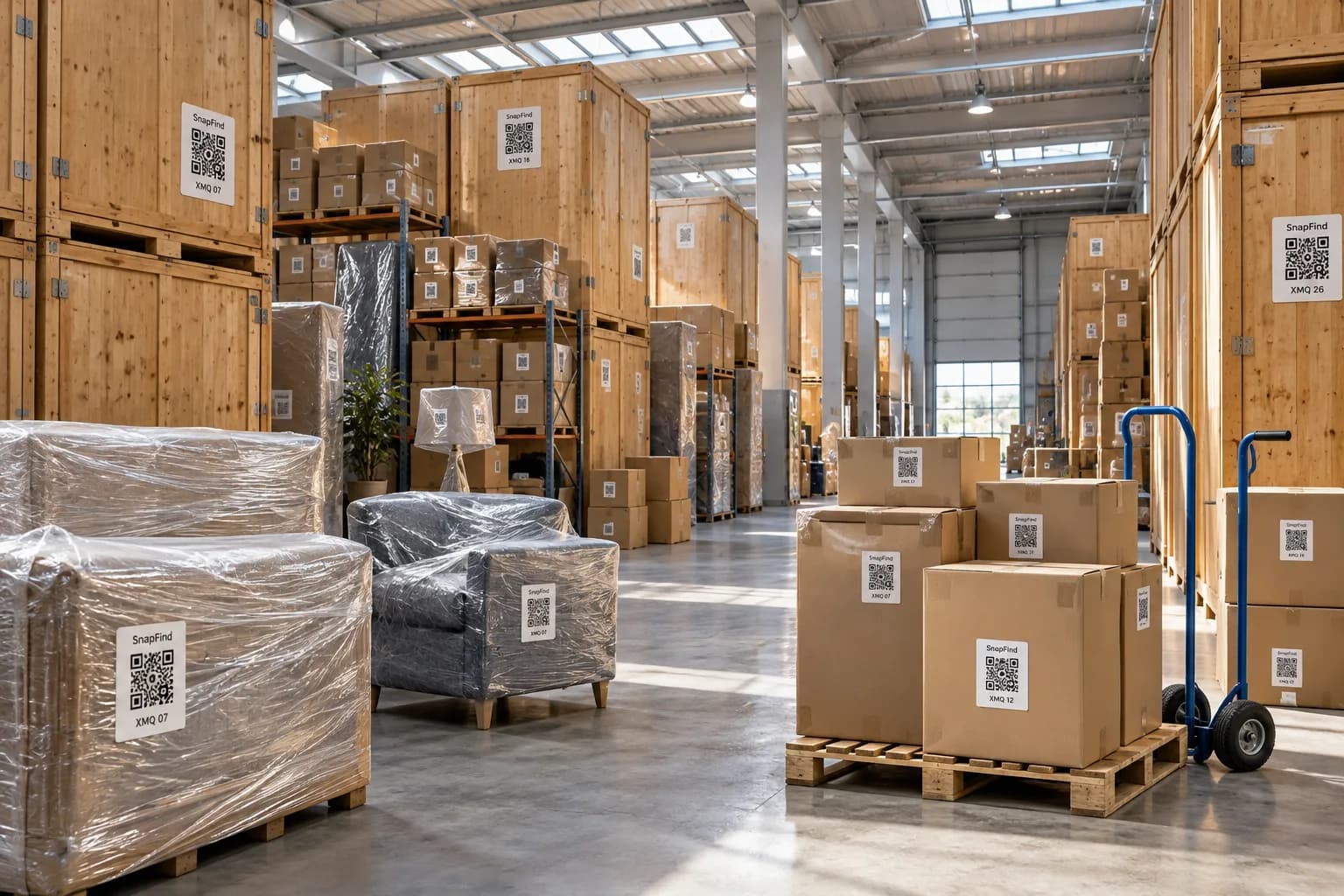
Moving & storage companies
Every box on the job photographed and labelled, with a searchable list for the client.
Learn more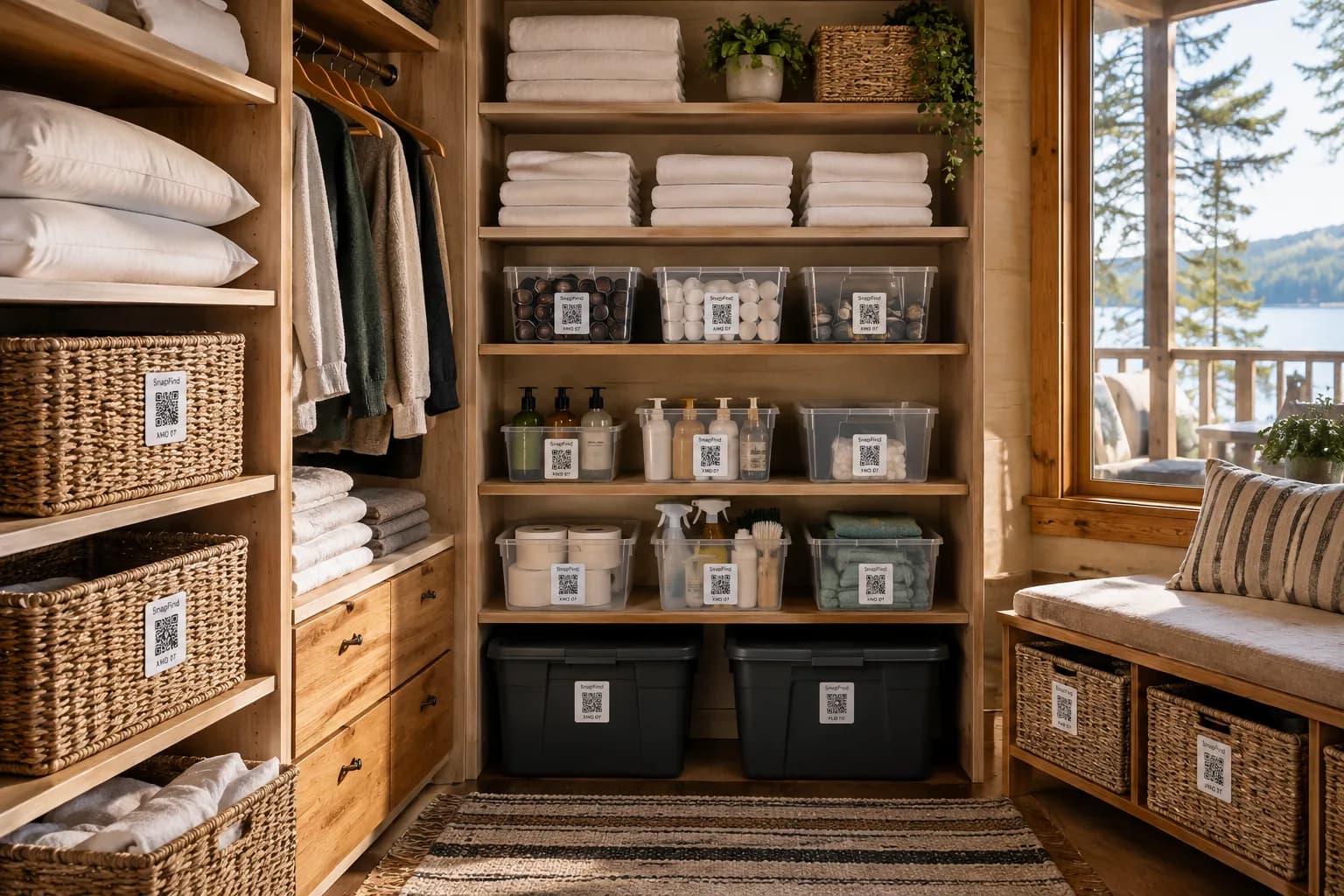
Short-term rental hosts
Every listing’s furnishings and supplies, restocked before the next guest arrives.
Learn more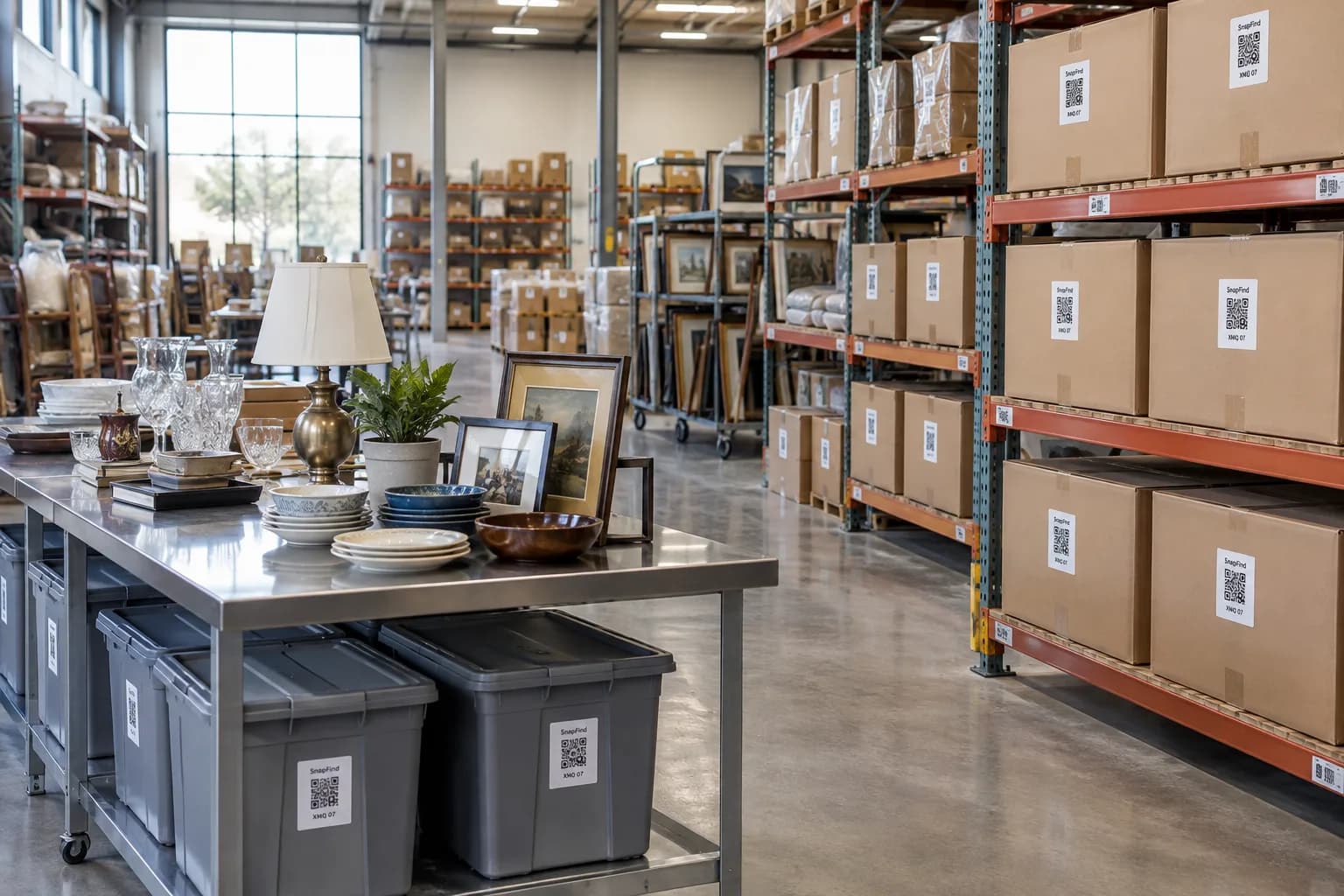
Restoration & contents
Pack-outs photographed room by room, with a contents list the adjuster can read.
Learn moreGet your first shelf done today.
Start a 14-day trial for your whole team. $0 today, cancel anytime, and we will move your spreadsheet in for you.