
For contractors & trades
Every tool, every van, every job site.
Photograph a van shelf and every tool on it is listed. Check the good drill out to a person with a due date, see which truck has the laser level before anyone drives back to the shop, and give the whole crew free field seats.
14-day free trial$0 todayFree field seats
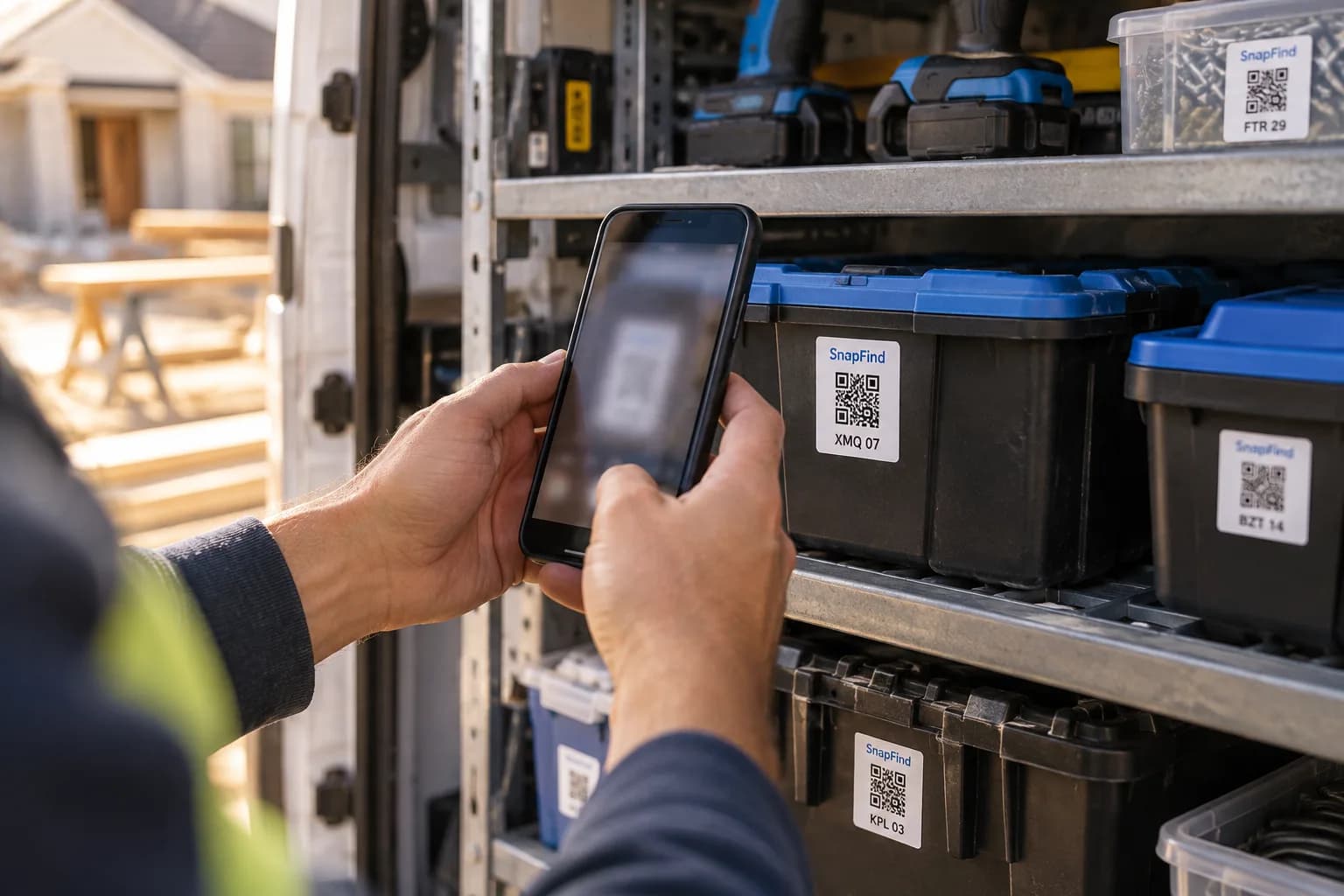
Van 2 › Gang box
- Hammer drill
- Impact driver ×2
- Battery 5Ah ×6
The problem
Why it slips today.
Tools walk between jobs
Drills, lasers and batteries move from van to site to someone else’s van. By Friday nobody can say where half of them are.
Paid hours spent hunting
A crew that spends twenty minutes a morning looking for one tool loses days of billable time a year.
No list when it is stolen
After a break-in the insurer wants a list, serial numbers and photos. Most shops have none of the three.
Set up for you
Your first walk-through, already organized.
Photograph each space once. SnapFind's AI names every item, puts it in the right container and gives the container a QR label. This is what day one looks like for contractors.
Van 2
Gang box
- Hammer drill
- Impact driver ×2
- Battery 5Ah ×6
Left shelf
- Laser level
- Stud finder
- Chalk line
Shop
Bin 14 · Fasteners
- Deck screws
- Anchors
- Hex bolts
Tile saw case
- Wet tile saw
- Blades ×3
- Stand
How it works
Set up in an afternoon, by camera.
No spreadsheets to fill in and no scanner hardware to buy. The phone in your pocket does the data entry.
- 01
Shoot each van and gang box
Open the doors and take a few photos. The AI names every tool, reads brands and model numbers, and puts each one in the right bin.
- 02
Label bins, cases and boxes
Waterproof QR labels go on gang boxes, bins and hard cases. A scan on site shows what belongs inside and what is missing.
- 03
Check out to people and jobs
Hand a tool to a person or a job with a due date. They get a receipt and a reminder by email, even without the app.
Built for contractors
The parts that matter for your team.
Free field seats
Every apprentice and sub can scan, move and check tools in and out without a paid seat.
Kits in one tap
Check out a whole case — the tile saw with its blades and stand — as one kit, and see what came back short.
Vans, shop and sites
Every truck, trailer, shop shelf and job site is its own location, with an address and gate code.
Calibration and service dates
Lasers, meters and lifts get a reminder before their calibration or inspection is due.
A theft report in a minute
Photos, serial numbers and value for everything in a stolen van, exported as a PDF for the police and the insurer.
Works without signal
Basements and rural sites are fine. Changes save on the phone and sync when it reconnects.
Plus everything in SnapFind Business: unlimited items, a web dashboard, offline mode, custom fields, reports and 12 languages. See the whole product
Ask, don’t search
Ask your inventory a question.
Type a question the way you would ask a colleague, in the app, on the web or from Claude or ChatGPT. The answer comes back with the container, the location and who has it.
- Who has the rotary laser, and when is it due back?
- Which van has a second set of batteries?
- What did Van 2 have in it before the break-in?
Pricing
One flat price. No item limits.
Every plan includes unlimited items and the full AI camera. You pay for people, not for the size of your inventory.
Teams
For a small crew getting organized
$13.33/mo
Billed $159.99 yearly · up to 6 people
- Owner + 5 people
- Unlimited items
- AI photo capture and barcode scanning
- Check-out with due dates and reminders
- Web dashboard
- Insurance and inventory PDF reports
Business
For teams that run on their inventory
$29/mo
Billed $348 yearly · 10 people included
Extra seats $6/mo each, billed yearly
- Everything in Teams
- Unlimited free field seats
- Roles and permissions per space
- Activity history, unlimited retention
- Low-stock alerts and AI-suggested minimums
- Stock counts by scan or photo
- Purchase orders and vendors
- QuickBooks, Xero, Slack and Microsoft Teams
- REST API, webhooks and Zapier
- Free assisted migration
14 days free · $0 today · cancel anytime
Enterprise
For larger teams and multiple sites
Custom
For 25+ people
- Everything in Business
- Volume seat pricing
- Single sign-on (SAML and OIDC)
- Invoice, ACH and Net-30 billing
- Multi-account access for franchises and agencies
- Onboarding call and a named contact
FAQ
Questions contractors ask first
How do contractors keep track of tools across job sites?
Give every van, gang box and shop shelf a place in SnapFind, photograph what is in it, and check tools out to the person or job that takes them. A scan on site shows what belongs in a box, and the dashboard shows everything that is out and who has it.
Do my crew members need paid seats?
No. Business includes free field seats for people who scan, move, count and check tools in and out. Paid seats are for the people who manage the inventory.
Can I list a whole van without typing?
Yes. Photograph each shelf and the AI lists every tool it can see, with brand, model and a fair value. You check the list and save it, and a van usually takes a few minutes.
Will it help with a theft claim?
Yes. Every item has its photo, serial number and value, and you can export a whole van or location as a PDF report for the police and your insurer.
Free template
Still on a spreadsheet? Start from ours.
Download it as Excel or CSV, or set it up in SnapFind in one click.
- Tool checkout log templateWhich tool is in which truck, and which ones are out on a job.
- HVAC truck stock list templateParts and materials on each van, so techs stop driving back to the shop.
- Auto parts inventory templateParts by bay and shelf, with part numbers, so a job never waits on a hunt.
- Landscaping equipment inventory templateMowers, trimmers and supplies by trailer and shop, with serial numbers.
Also built for
Teams that work like yours.
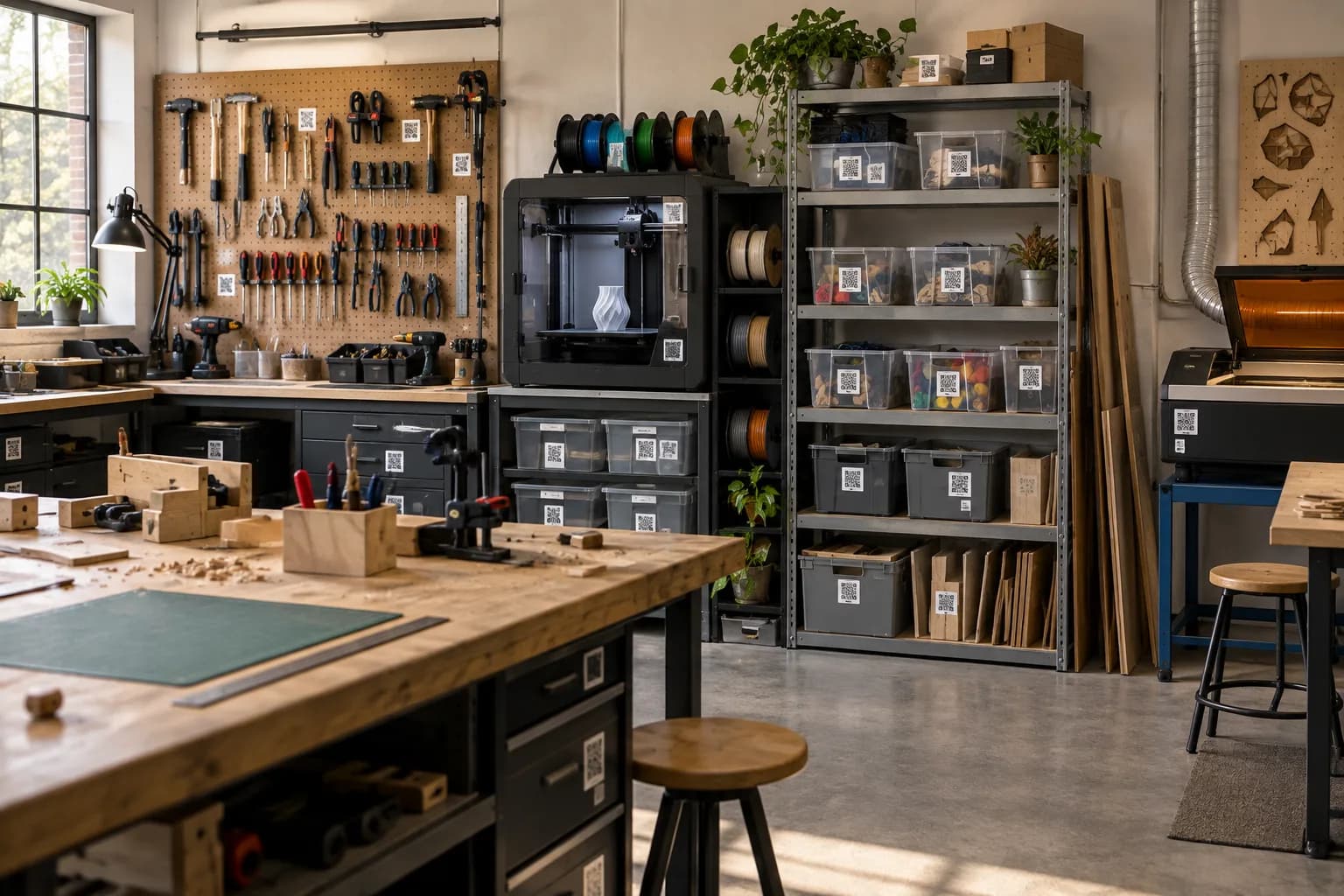
Makerspaces & shared shops
Shared tools, consumables and member projects, with sign-out and low-stock alerts.
Learn more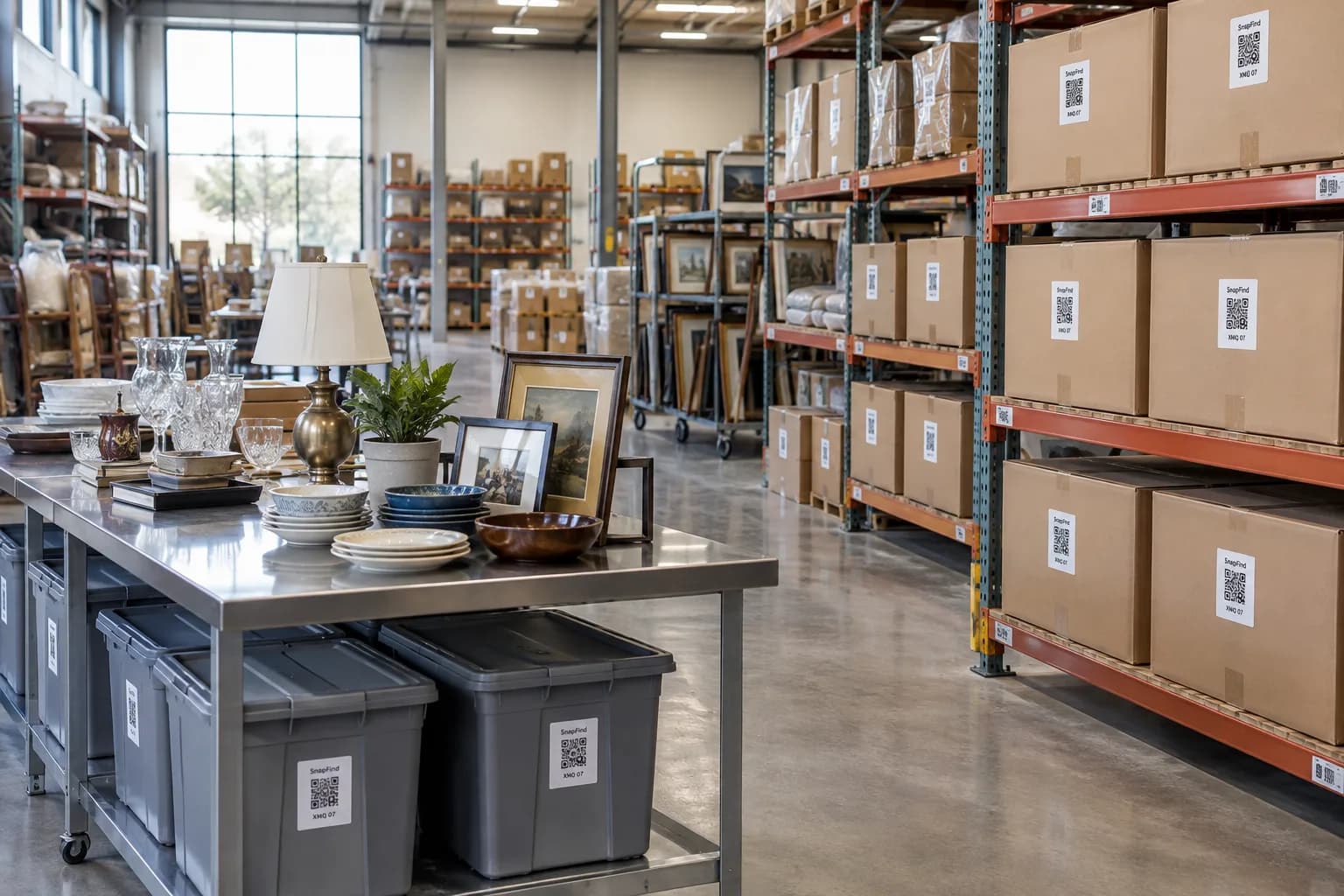
Restoration & contents
Pack-outs photographed room by room, with a contents list the adjuster can read.
Learn more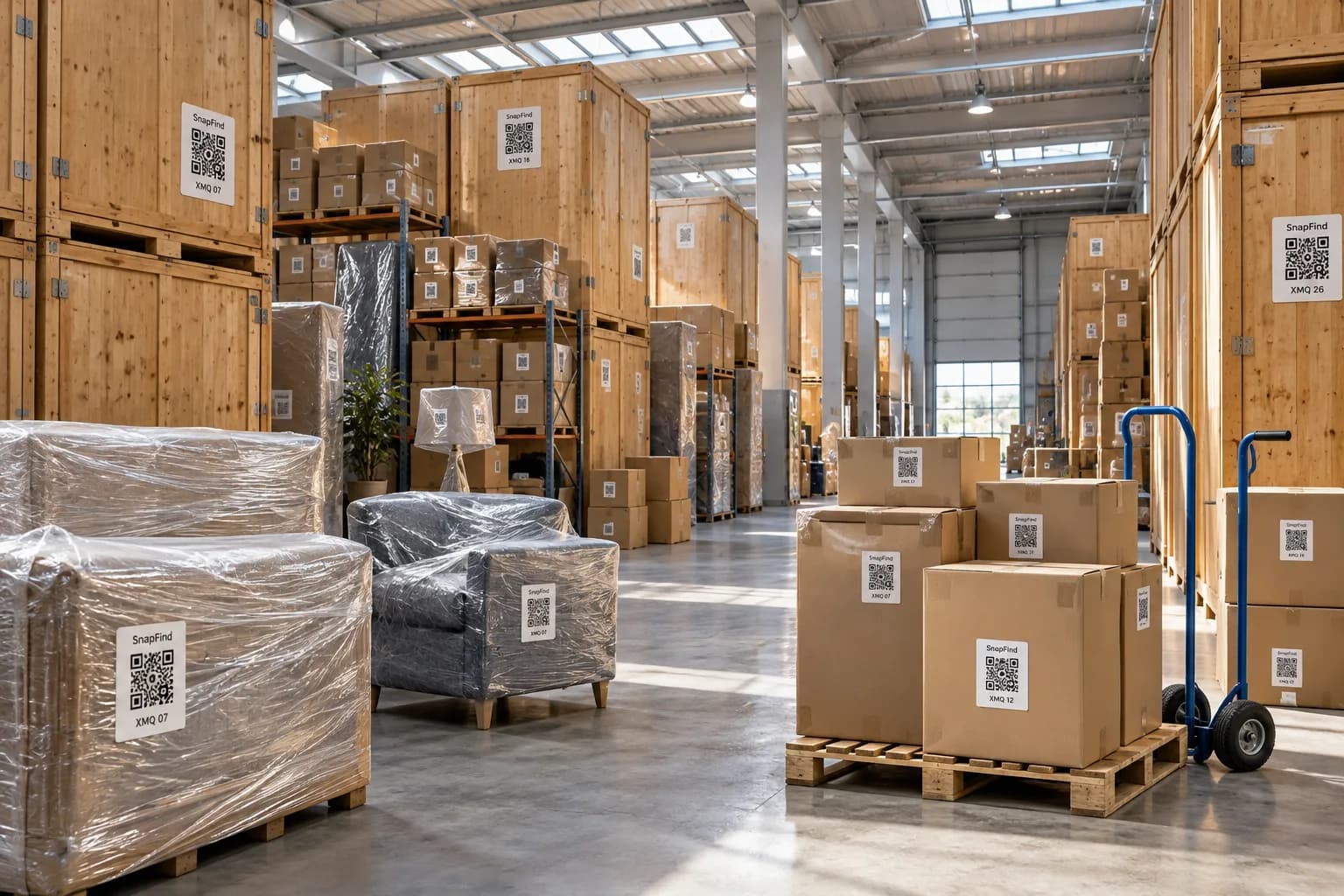
Moving & storage companies
Every box on the job photographed and labelled, with a searchable list for the client.
Learn moreGet your first shelf done today.
Start a 14-day trial for your whole team. $0 today, cancel anytime, and we will move your spreadsheet in for you.
Looking for SnapFind for yourself? Contractor Tool Tracking