
For makerspaces & shared shops
A shared shop where tools come back.
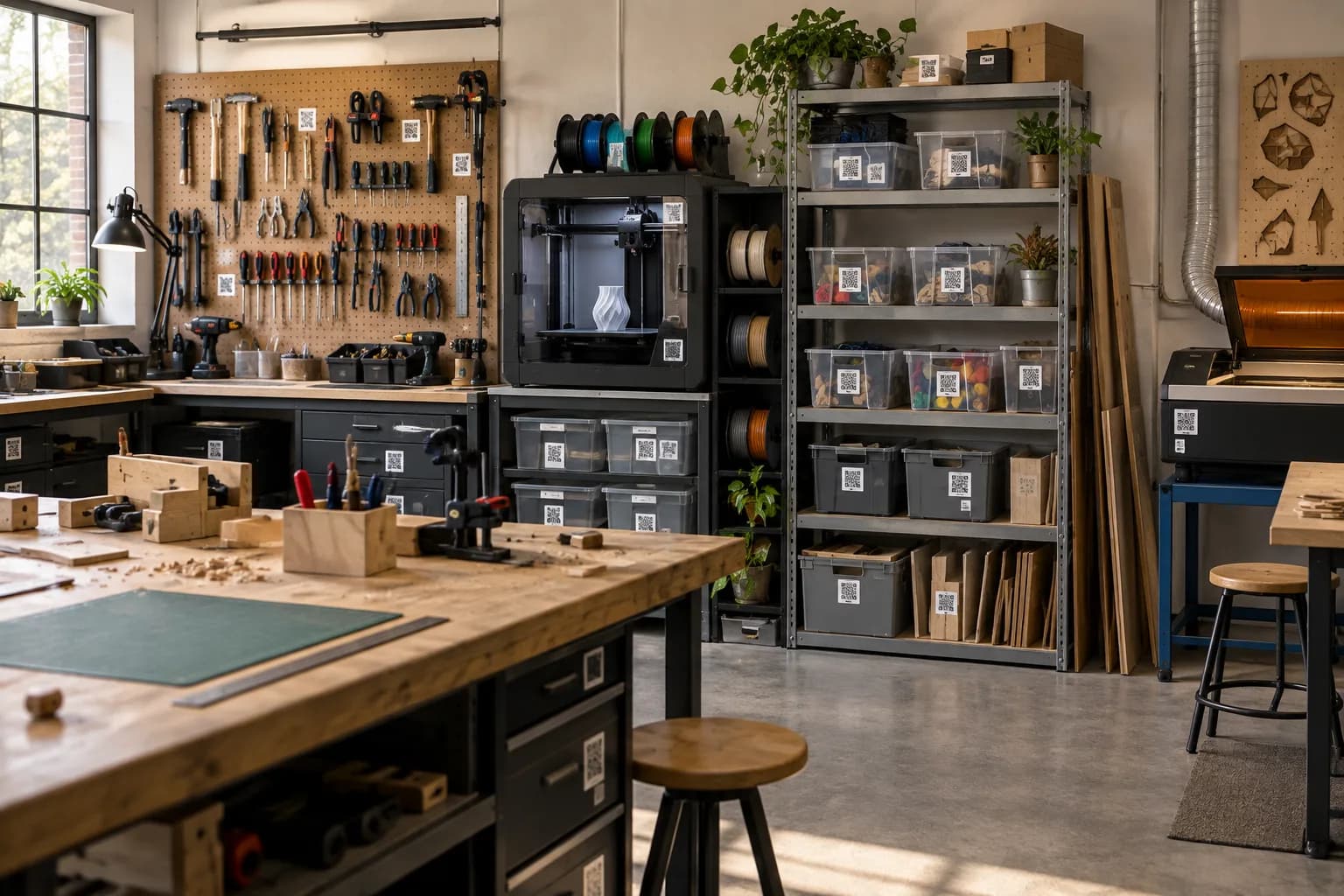
Dozens of members, hundreds of tools and a shelf of consumables that runs out the night before a class. SnapFind lets members sign tools out with a due date, warns you before the filament runs out, and keeps project bins from becoming permanent residents.
14-day free trial$0 todayFree field seats
Woodshop › Hand tool wall
- Chisel set
- Block plane
- Marking gauge
The problem
Why it slips today.
Tools leave with members
The good chisels went home with someone for a weekend project. That was six weeks ago.
Consumables run out mid-class
Nobody noticed the last spool of PLA, the bandsaw blades or the laser acrylic were nearly gone.
Abandoned project bins
Member storage fills with bins whose owners left the space a year ago, and nobody knows whose they are.
Set up for you
Your first walk-through, already organized.
Photograph each space once. SnapFind's AI names every item, puts it in the right container and gives the container a QR label. This is what day one looks like for makerspaces.
Woodshop
Hand tool wall
- Chisel set
- Block plane
- Marking gauge
Consumables shelf
- Sandpaper 120 grit
- Bandsaw blades ×3
- Wood glue
Fab lab
Printer cabinet
- PLA spools ×9
- Nozzle kit
- Build plates ×2
Member bin 27
- Arduino project
- Jumper wires
- Enclosure, printed
How it works
Set up in an afternoon, by camera.
No spreadsheets to fill in and no scanner hardware to buy. The phone in your pocket does the data entry.
- 01
Photograph each station
Woodshop, electronics bench, 3D printers and the laser. The AI lists every tool and consumable from the photos.
- 02
Label drawers and member bins
Each drawer, cabinet and member bin gets a QR label, so anyone can scan to see what belongs where — and whose bin it is.
- 03
Members sign tools out
A member scans a tool to take it home, picks a return date and gets a reminder before it is due.
Built for makerspaces
The parts that matter for your team.
Free member seats
Members scan, borrow and return without a paid seat. Shop leads manage the inventory.
Low-stock alerts
Minimums for filament, blades, sandpaper and acrylic, with an alert before a class runs short.
Book machines and kits
Reserve the laser cutter kit or the soldering station for a class or a workshop date.
Member project bins
Each bin carries its owner and a date, so clean-out day is a list, not a guess.
Maintenance reminders
Blade changes, laser lens cleaning and dust collector service, on a schedule.
A public tool library page
Show members what the space owns and where it lives, no account needed to browse.
Plus everything in SnapFind Business: unlimited items, a web dashboard, offline mode, custom fields, reports and 12 languages. See the whole product
Ask, don’t search
Ask your inventory a question.
Type a question the way you would ask a colleague, in the app, on the web or from Claude or ChatGPT. The answer comes back with the container, the location and who has it.
- Who has the chisel set, and is it overdue?
- Which consumables are below their minimum?
- Which member bins have not been touched in six months?
Pricing
One flat price. No item limits.
Every plan includes unlimited items and the full AI camera. You pay for people, not for the size of your inventory.
Teams
For a small crew getting organized
$13.33/mo
Billed $159.99 yearly · up to 6 people
- Owner + 5 people
- Unlimited items
- AI photo capture and barcode scanning
- Check-out with due dates and reminders
- Web dashboard
- Insurance and inventory PDF reports
Business
For teams that run on their inventory
$29/mo
Billed $348 yearly · 10 people included
Extra seats $6/mo each, billed yearly
- Everything in Teams
- Unlimited free field seats
- Roles and permissions per space
- Activity history, unlimited retention
- Low-stock alerts and AI-suggested minimums
- Stock counts by scan or photo
- Purchase orders and vendors
- QuickBooks, Xero, Slack and Microsoft Teams
- REST API, webhooks and Zapier
- Free assisted migration
14 days free · $0 today · cancel anytime
Enterprise
For larger teams and multiple sites
Custom
For 25+ people
- Everything in Business
- Volume seat pricing
- Single sign-on (SAML and OIDC)
- Invoice, ACH and Net-30 billing
- Multi-account access for franchises and agencies
- Onboarding call and a named contact
FAQ
Questions makerspaces ask first
How do makerspaces track tool checkout?
Label each tool or drawer with a QR code. A member scans it to sign it out with a return date, gets a reminder before it is due, and the shop lead sees everything that is out in one list.
Do all our members need paid seats?
No. Members use free field seats to scan, borrow and return. Paid seats are for the people who run the inventory.
Can it warn us before consumables run out?
Yes. Set a minimum on filament, blades or acrylic, and the right people get an alert by email, push or Slack when stock drops below it.
Can we track whose project bin is whose?
Yes. Each bin carries its owner and the date it was last touched, so clearing out abandoned bins is a list you can act on.
Free template
Still on a spreadsheet? Start from ours.
Download it as Excel or CSV, or set it up in SnapFind in one click.
Also built for
Teams that work like yours.
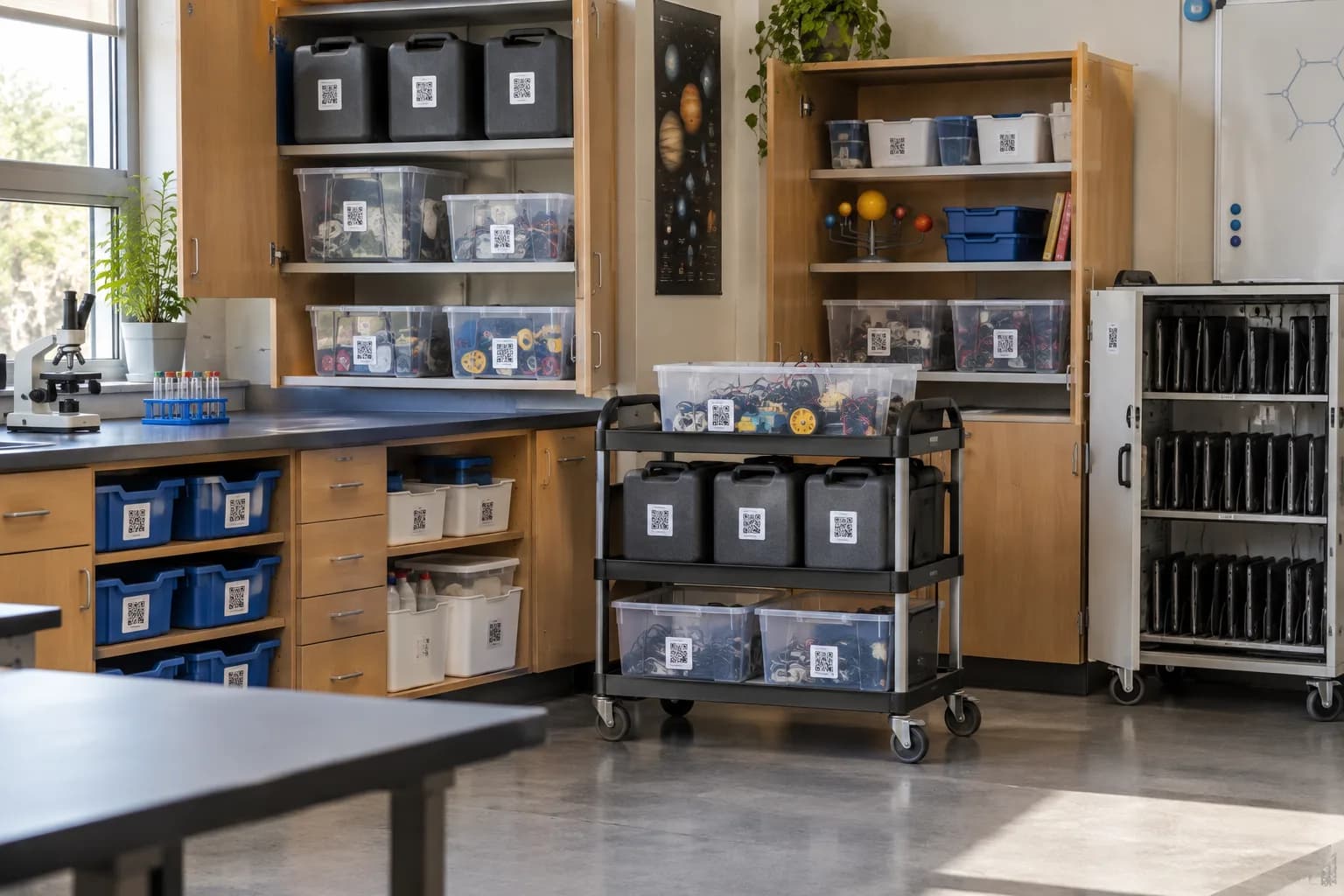
Schools & districts
Classroom kits, lab gear and shared carts checked out to staff across buildings.
Learn more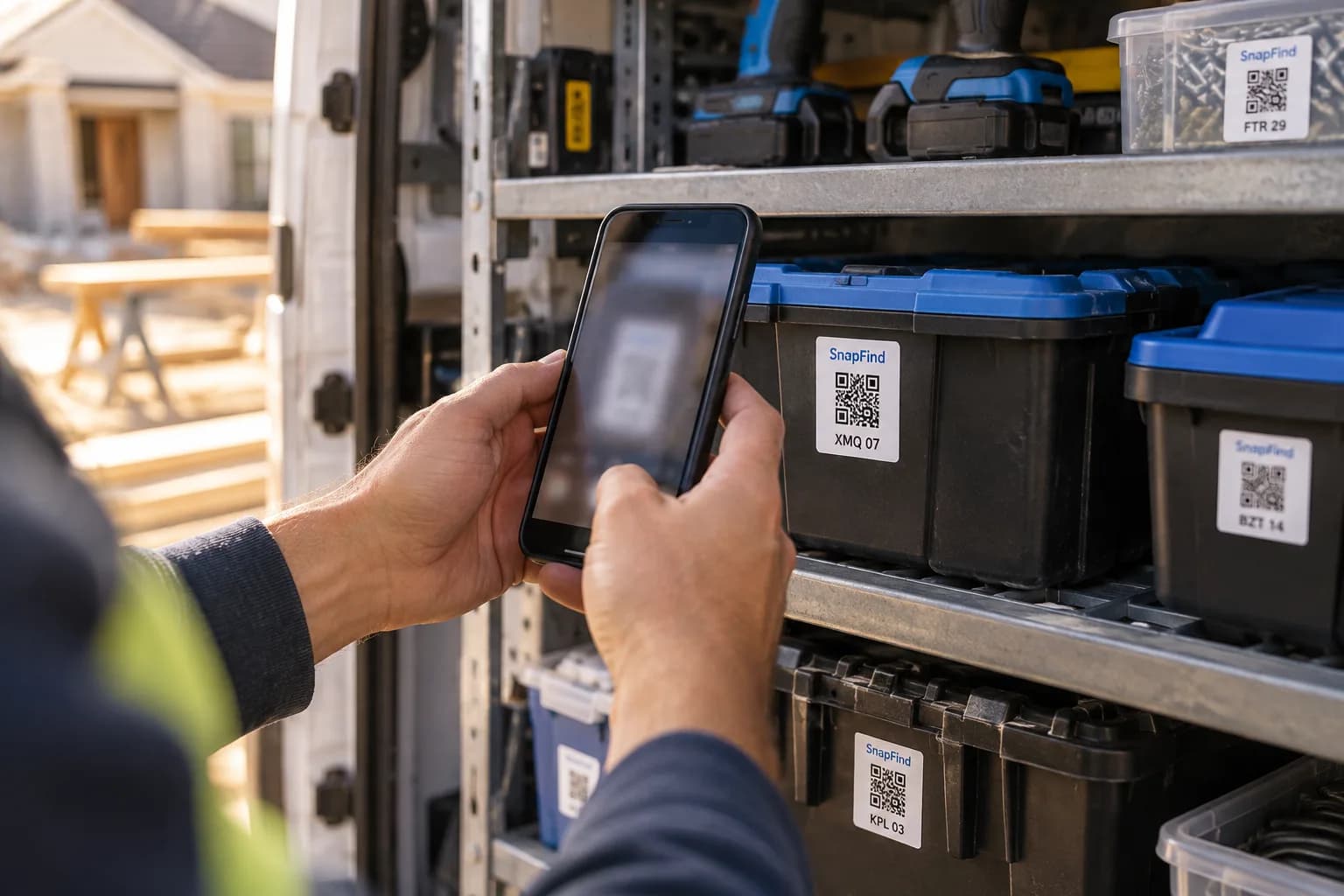
Contractors & trades
Tools across vans, trailers and job sites, checked out to a person with a due date.
Learn more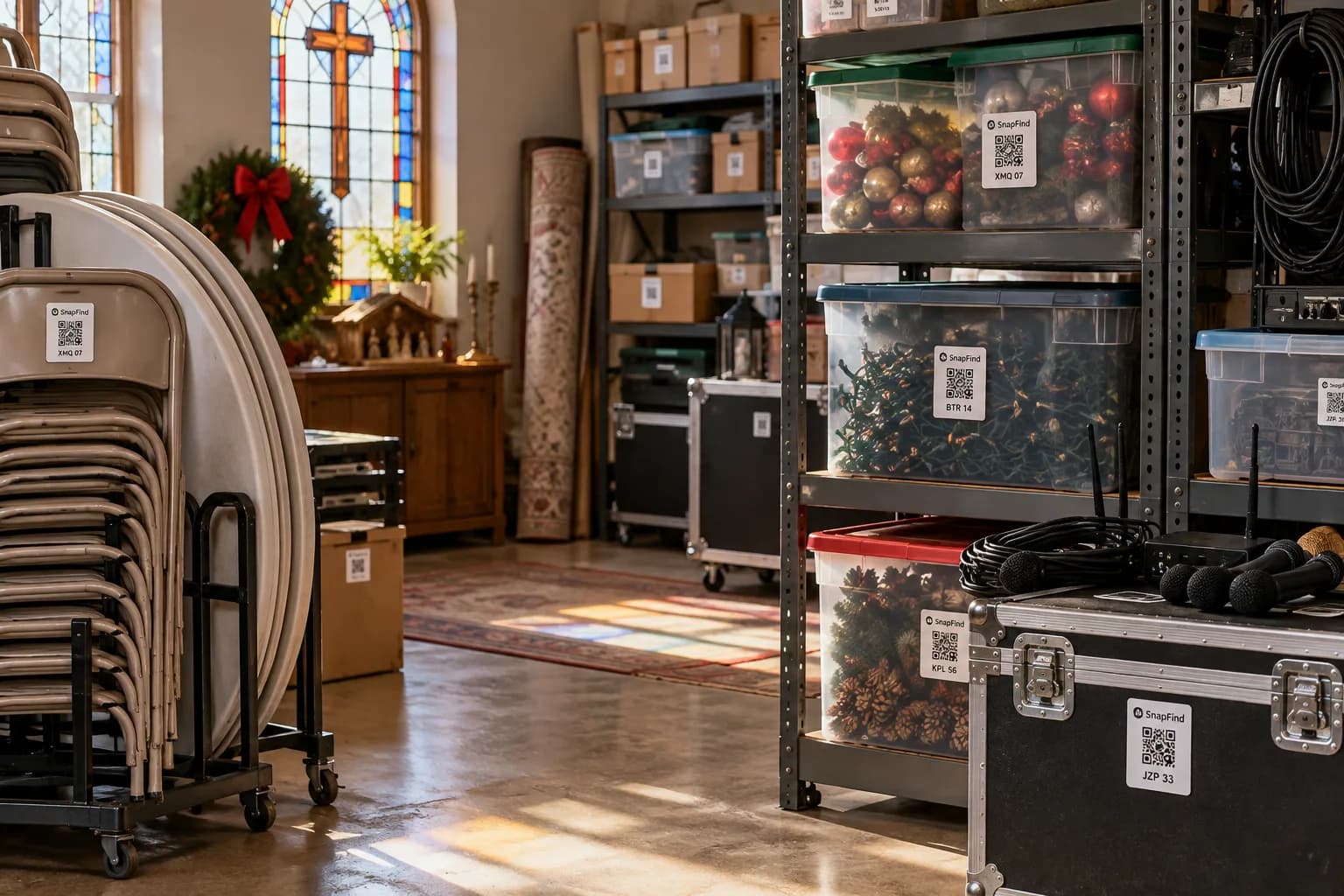
Churches & ministries
AV gear, event supplies and donated goods, run by volunteers who change every week.
Learn moreGet your first shelf done today.
Start a 14-day trial for your whole team. $0 today, cancel anytime, and we will move your spreadsheet in for you.