
For schools & districts
Every classroom kit, every building.
Science kits, robotics sets, projectors and laptop carts move between rooms and buildings all year. SnapFind inventories a room from a few photos, checks kits out to the teacher who has them, and shows the district what it owns.
14-day free trial$0 todayFree field seats
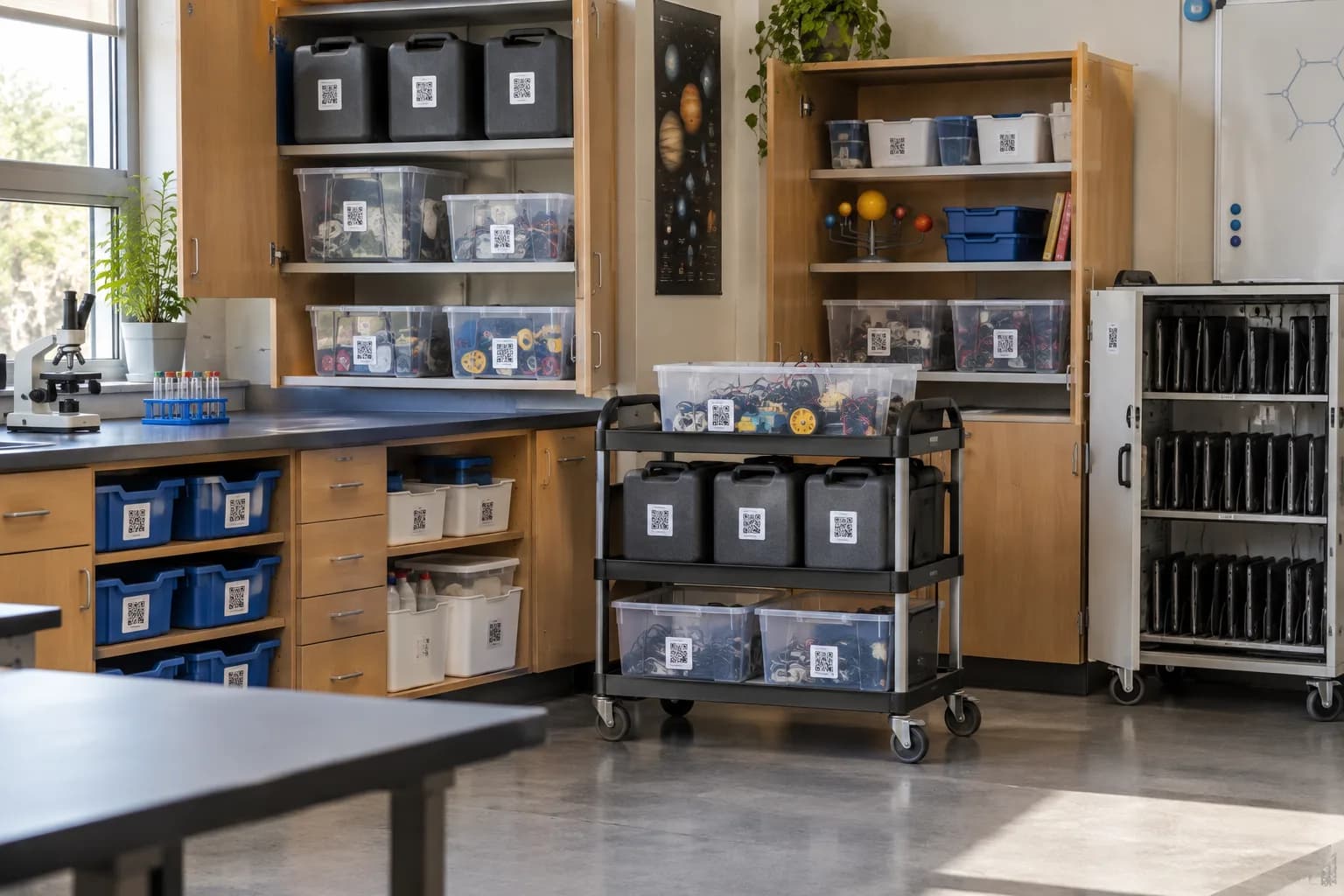
Science wing · Room 112 › Kit cupboard A
- Microscope set ×12
- Circuit kits ×8
- Safety goggles ×30
The problem
Why it slips today.
Shared gear disappears into classrooms
The robotics kit was borrowed in October. In March three teachers each think another one has it.
Year-end counts by hand
Every June someone walks every room with a clipboard, and the spreadsheet is out of date by September.
Grant and audit questions
Funders and auditors ask what was bought with which grant and where it is now. The answer lives in five people’s inboxes.
Set up for you
Your first walk-through, already organized.
Photograph each space once. SnapFind's AI names every item, puts it in the right container and gives the container a QR label. This is what day one looks like for schools.
Science wing · Room 112
Kit cupboard A
- Microscope set ×12
- Circuit kits ×8
- Safety goggles ×30
Demo cart
- Document camera
- Projector
- Extension reel
Library
Laptop cart 3
- Chromebook ×30
- Charging hub
- Headphones ×15
Makerspace shelf
- Robotics kit ×6
- 3D printer filament
- Hot glue guns
How it works
Set up in an afternoon, by camera.
No spreadsheets to fill in and no scanner hardware to buy. The phone in your pocket does the data entry.
- 01
Photograph each room
A few photos of shelves and cupboards and the AI lists every kit, device and supply, with serial numbers where it can read them.
- 02
Label kits and carts
Each kit box, cart and cupboard gets a QR label. A scan shows what belongs inside and who has it.
- 03
Check out to staff
Teachers check a kit out for a unit with a return date, and get a reminder before it is due.
Built for schools
The parts that matter for your team.
Every building in one place
Each school, room and supply closet is its own location, with one view for the district.
Book kits for a unit
Reserve the microscope set for the weeks you teach cells, and see who has it booked next.
Roles per building
Teachers see and borrow; coordinators manage. Access is set per building or per room.
Grant and funding fields
Record funding source, purchase date and asset tag, and make them required.
Year-end reports
What you own, where it is and what is out, by building, as CSV, Excel or PDF.
Overdue reminders
Staff get a reminder before a kit is due back and a nudge if it is late.
Plus everything in SnapFind Business: unlimited items, a web dashboard, offline mode, custom fields, reports and 12 languages. See the whole product
Ask, don’t search
Ask your inventory a question.
Type a question the way you would ask a colleague, in the app, on the web or from Claude or ChatGPT. The answer comes back with the container, the location and who has it.
- Which teacher has the robotics kits, and when are they due back?
- How many projectors does the district own, by building?
- What did we buy with the STEM grant, and where is it now?
Pricing
One flat price. No item limits.
Every plan includes unlimited items and the full AI camera. You pay for people, not for the size of your inventory.
Teams
For a small crew getting organized
$13.33/mo
Billed $159.99 yearly · up to 6 people
- Owner + 5 people
- Unlimited items
- AI photo capture and barcode scanning
- Check-out with due dates and reminders
- Web dashboard
- Insurance and inventory PDF reports
Business
For teams that run on their inventory
$29/mo
Billed $348 yearly · 10 people included
Extra seats $6/mo each, billed yearly
- Everything in Teams
- Unlimited free field seats
- Roles and permissions per space
- Activity history, unlimited retention
- Low-stock alerts and AI-suggested minimums
- Stock counts by scan or photo
- Purchase orders and vendors
- QuickBooks, Xero, Slack and Microsoft Teams
- REST API, webhooks and Zapier
- Free assisted migration
14 days free · $0 today · cancel anytime
Enterprise
For larger teams and multiple sites
Custom
For 25+ people
- Everything in Business
- Volume seat pricing
- Single sign-on (SAML and OIDC)
- Invoice, ACH and Net-30 billing
- Multi-account access for franchises and agencies
- Onboarding call and a named contact
FAQ
Questions schools ask first
How do schools keep track of shared classroom kits?
Give each kit a QR label and a home in SnapFind. Teachers check kits out with a return date and get a reminder before it is due, so the coordinator always knows who has what.
Can we manage several buildings in one account?
Yes. Each school, room and closet is its own location, and access is set per building, so a teacher only sees what they need.
Do students or volunteers need paid seats?
No. Field seats are free for people who scan, count and check things in and out.
Can we track funding source and asset tags?
Yes. Add custom fields like funding source, purchase date and asset tag, and make them required so every new item has them.
Free template
Still on a spreadsheet? Start from ours.
Download it as Excel or CSV, or set it up in SnapFind in one click.
Also built for
Teams that work like yours.
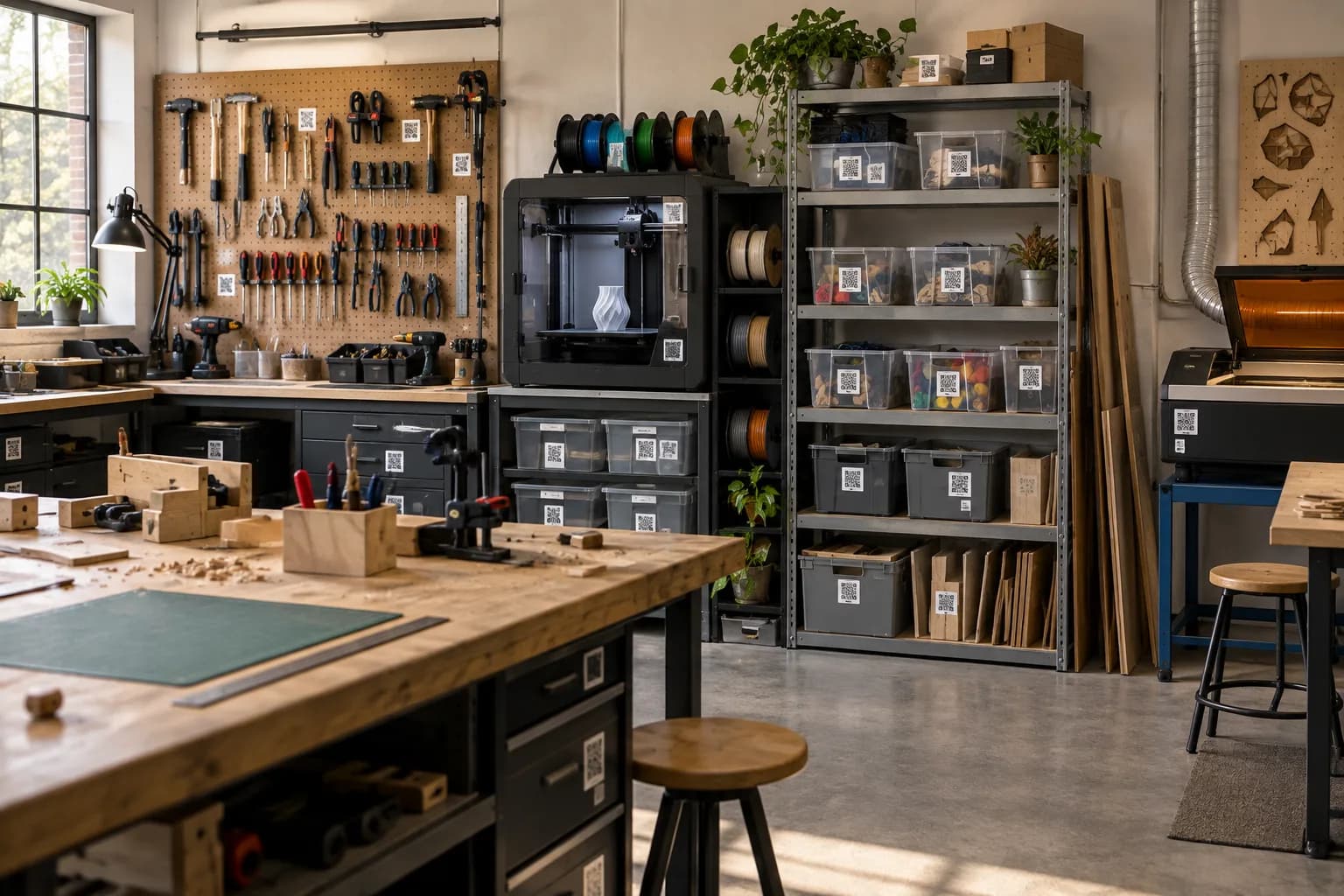
Makerspaces & shared shops
Shared tools, consumables and member projects, with sign-out and low-stock alerts.
Learn more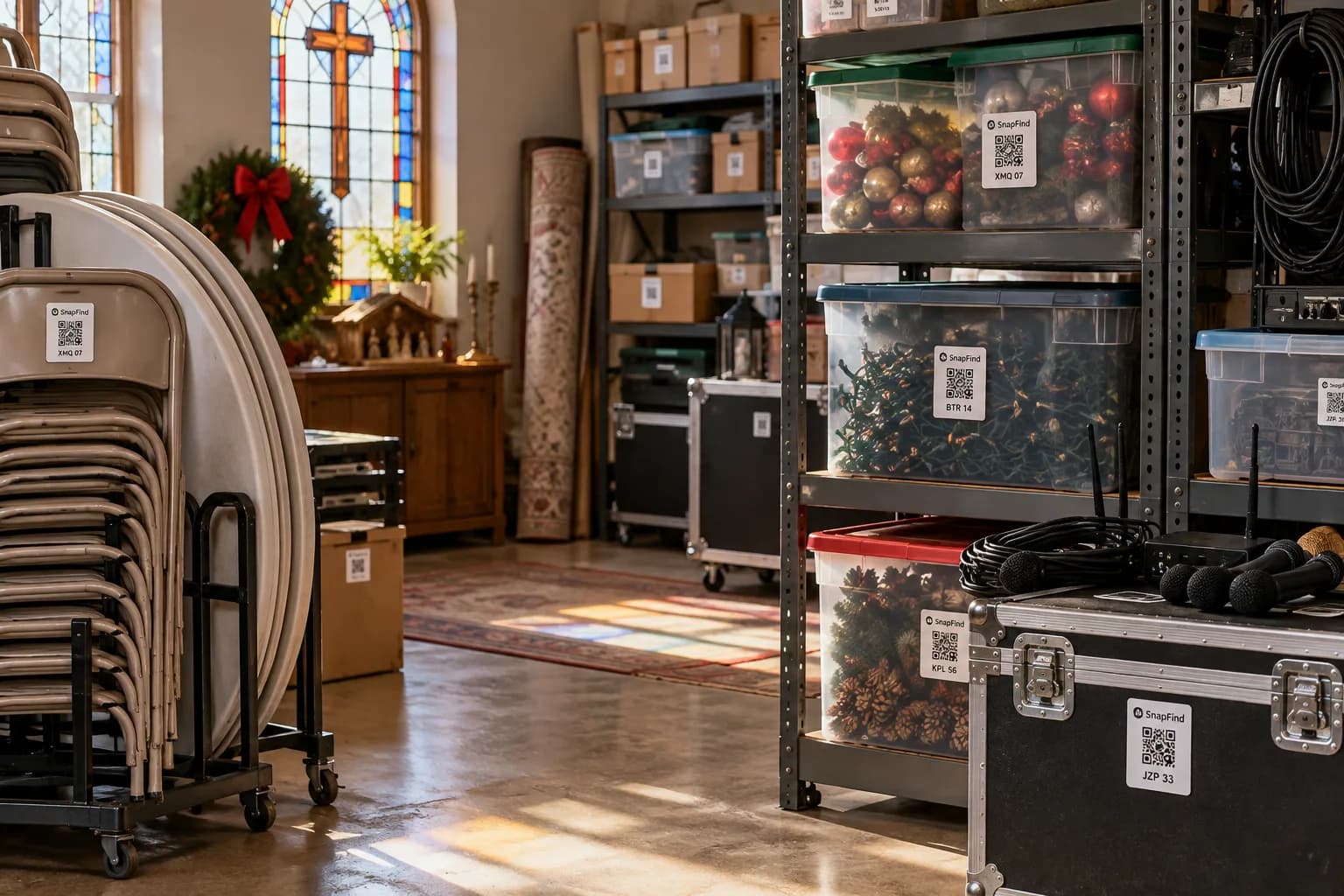
Churches & ministries
AV gear, event supplies and donated goods, run by volunteers who change every week.
Learn more
Prop houses & production
Thousands of one-off pieces, found by photo and booked out to productions by date.
Learn moreGet your first shelf done today.
Start a 14-day trial for your whole team. $0 today, cancel anytime, and we will move your spreadsheet in for you.
Looking for SnapFind for yourself? Schools & Classrooms