
For clinics & practices
Never run out between patients.
Gloves, gauze, syringes and single-use instruments run out on a Friday afternoon, and expired stock hides at the back of the shelf. SnapFind counts a supply room from photos, warns you before stock runs low, flags what is about to expire and drafts the reorder.
14-day free trial$0 todayFree field seats
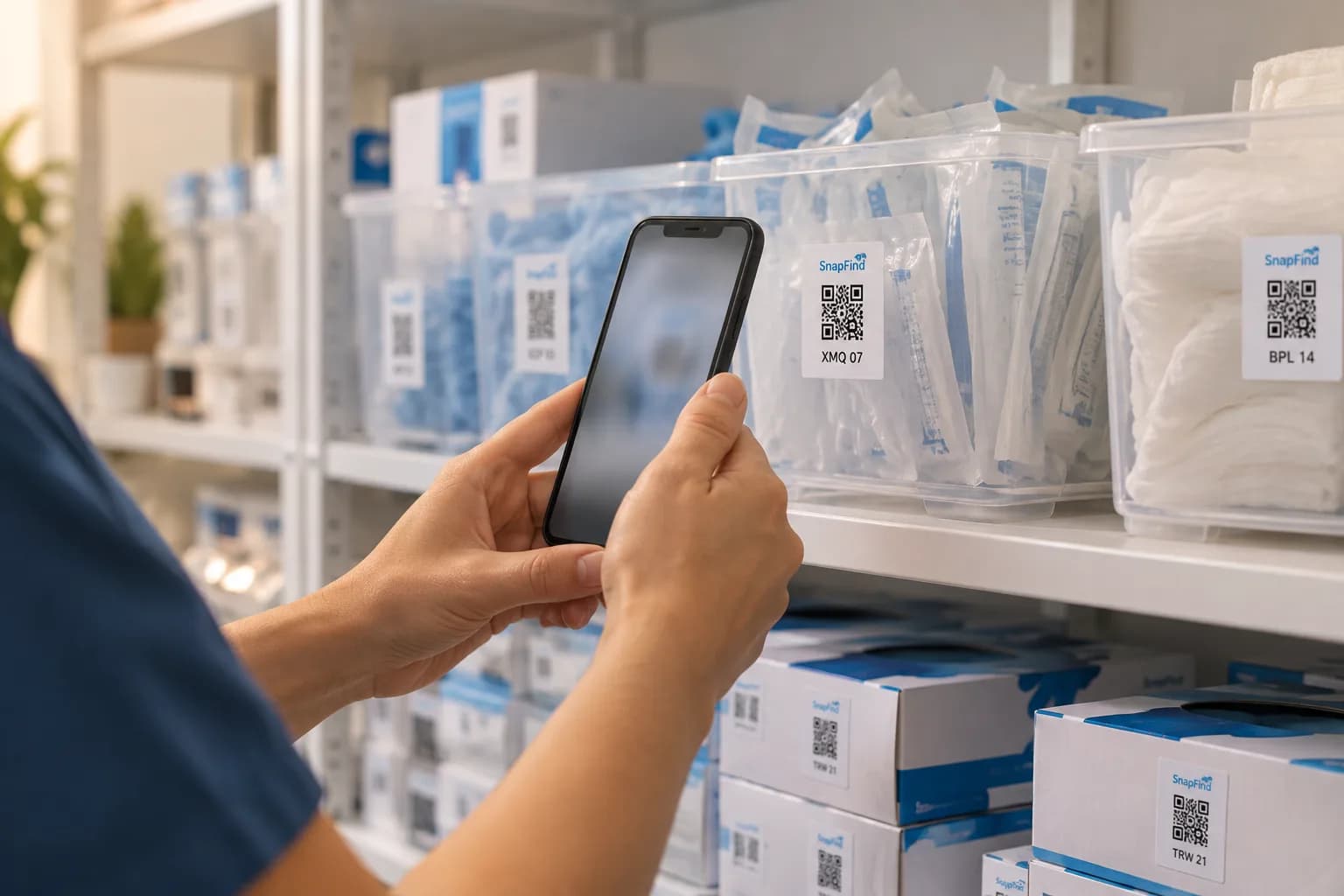
Main clinic · Supply room › Shelf A · Gloves
- Nitrile gloves M ×10 boxes
- Nitrile gloves L ×6 boxes
- Face masks ×20 boxes
The problem
Why it slips today.
Stock-outs mid-day
Someone takes the last box of medium gloves and nobody notices until the next patient.
Expired stock at the back
Supplies expire unseen behind newer boxes, and the waste shows up in the budget.
Counting is nobody’s job
A manual count of every exam room takes an afternoon, so it happens once a quarter at best.
Set up for you
Your first walk-through, already organized.
Photograph each space once. SnapFind's AI names every item, puts it in the right container and gives the container a QR label. This is what day one looks like for clinics.
Main clinic · Supply room
Shelf A · Gloves
- Nitrile gloves M ×10 boxes
- Nitrile gloves L ×6 boxes
- Face masks ×20 boxes
Shelf B · Wound care
- Gauze 4×4 ×12 packs
- Bandages, assorted
- Saline ×24
Exam room 2
Drawer 1
- Syringes 3 ml ×100
- Alcohol pads ×200
- Tongue depressors
Cabinet
- Otoscope tips
- BP cuff, adult
- Exam table paper ×4
How it works
Set up in an afternoon, by camera.
No spreadsheets to fill in and no scanner hardware to buy. The phone in your pocket does the data entry.
- 01
Count a shelf by photo
Photograph a supply shelf. The AI counts boxes and reads product names and barcodes.
- 02
Set minimums
Each supply gets a minimum per room. When it drops below, the right person hears about it.
- 03
Reorder from the alert
A purchase order is drafted from low stock, and you receive it by photographing the packing slip.
Built for clinics
The parts that matter for your team.
Expiry and lot tracking
Expiry dates and lot numbers on every supply, with a reminder before stock expires.
Low-stock alerts
By email, push or Slack, per room or for the whole practice.
Barcode scanning
Scan supplier barcodes to count, receive and restock without typing.
Rooms and locations
Each exam room, supply closet and clinic site is its own location.
Roles and an activity log
Assistants count and restock; managers order. Every change is logged with who made it.
No patient data
SnapFind tracks supplies and equipment only. It is not a place for patient records.
Plus everything in SnapFind Business: unlimited items, a web dashboard, offline mode, custom fields, reports and 12 languages. See the whole product
Ask, don’t search
Ask your inventory a question.
Type a question the way you would ask a colleague, in the app, on the web or from Claude or ChatGPT. The answer comes back with the container, the location and who has it.
- What is below its minimum across both clinics?
- Which supplies expire in the next 60 days?
- Draft a reorder for everything low in the main supply room.
Pricing
One flat price. No item limits.
Every plan includes unlimited items and the full AI camera. You pay for people, not for the size of your inventory.
Teams
For a small crew getting organized
$13.33/mo
Billed $159.99 yearly · up to 6 people
- Owner + 5 people
- Unlimited items
- AI photo capture and barcode scanning
- Check-out with due dates and reminders
- Web dashboard
- Insurance and inventory PDF reports
Business
For teams that run on their inventory
$29/mo
Billed $348 yearly · 10 people included
Extra seats $6/mo each, billed yearly
- Everything in Teams
- Unlimited free field seats
- Roles and permissions per space
- Activity history, unlimited retention
- Low-stock alerts and AI-suggested minimums
- Stock counts by scan or photo
- Purchase orders and vendors
- QuickBooks, Xero, Slack and Microsoft Teams
- REST API, webhooks and Zapier
- Free assisted migration
14 days free · $0 today · cancel anytime
Enterprise
For larger teams and multiple sites
Custom
For 25+ people
- Everything in Business
- Volume seat pricing
- Single sign-on (SAML and OIDC)
- Invoice, ACH and Net-30 billing
- Multi-account access for franchises and agencies
- Onboarding call and a named contact
FAQ
Questions clinics ask first
How do clinics keep track of medical supplies?
Give each supply a minimum level per room. SnapFind counts shelves from photos or barcode scans and alerts the right person when anything drops below its minimum, before it runs out.
Can it track expiry dates and lot numbers?
Yes. Add expiry dates and lot numbers to supplies and get a reminder before stock expires.
Does SnapFind store patient information?
No. SnapFind is for supplies and equipment. Do not put patient information in it.
Can it help us reorder?
Yes. A purchase order is drafted from low stock, and you can receive a delivery by photographing the packing slip.
Free template
Still on a spreadsheet? Start from ours.
Download it as Excel or CSV, or set it up in SnapFind in one click.
Also built for
Teams that work like yours.
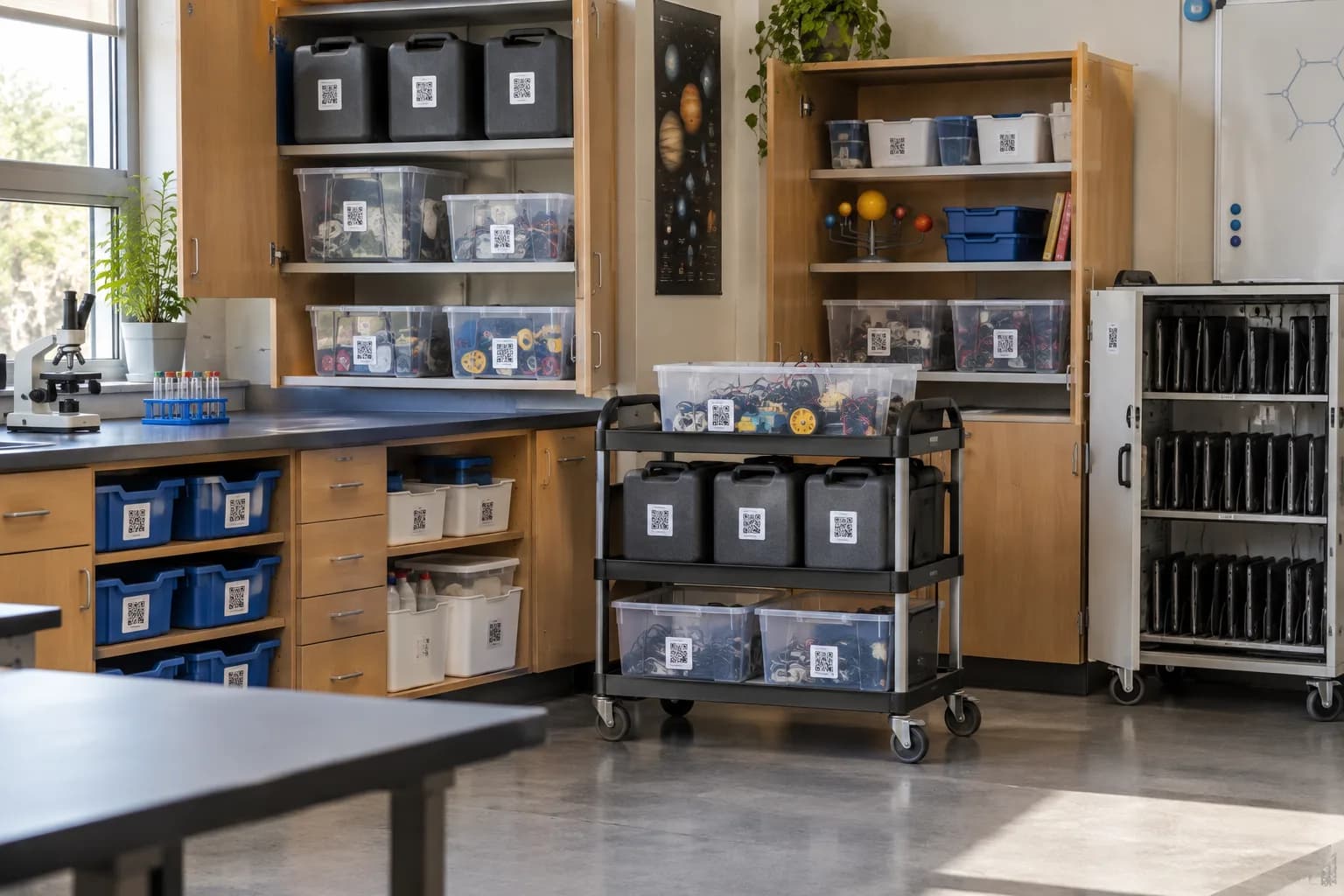
Schools & districts
Classroom kits, lab gear and shared carts checked out to staff across buildings.
Learn more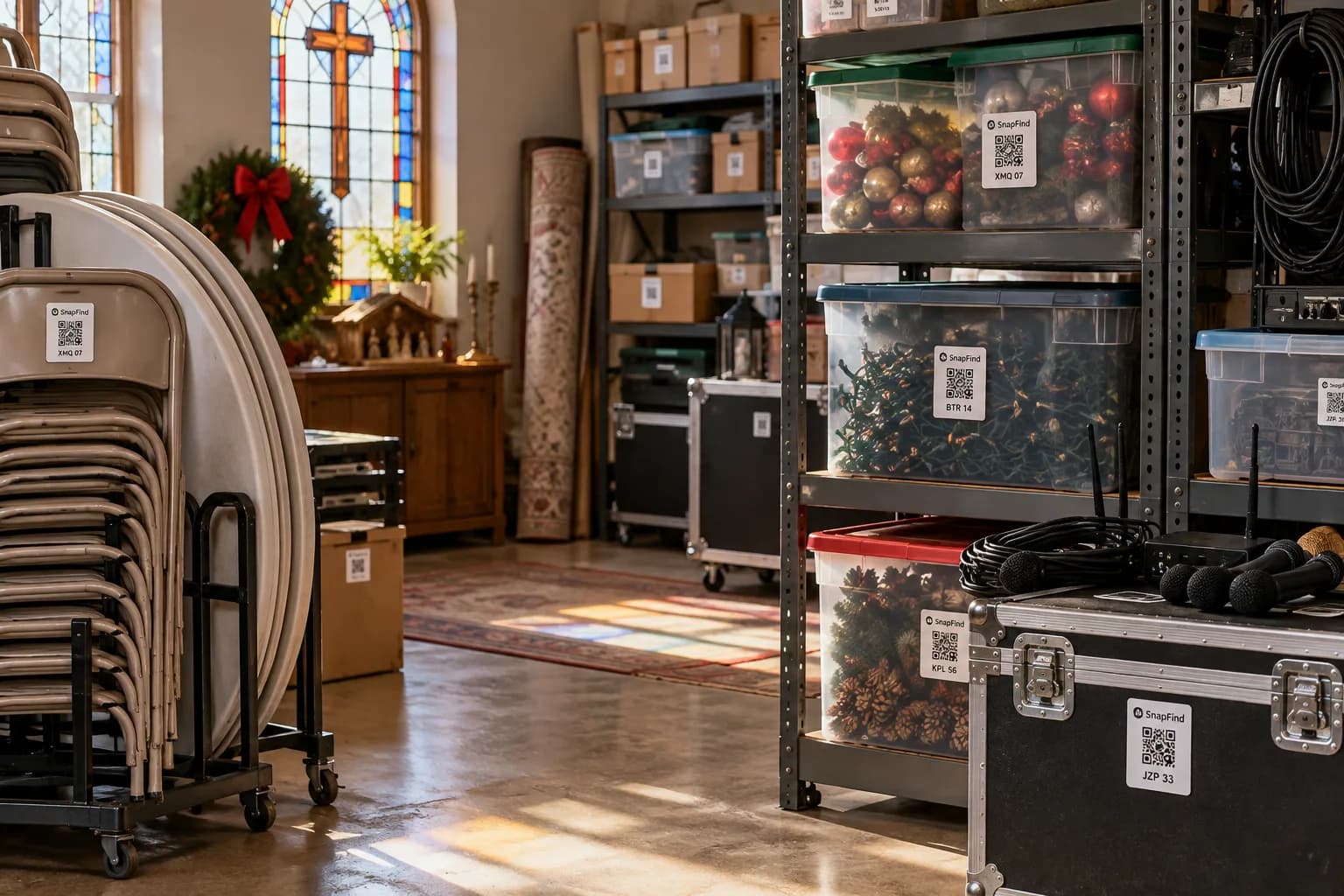
Churches & ministries
AV gear, event supplies and donated goods, run by volunteers who change every week.
Learn more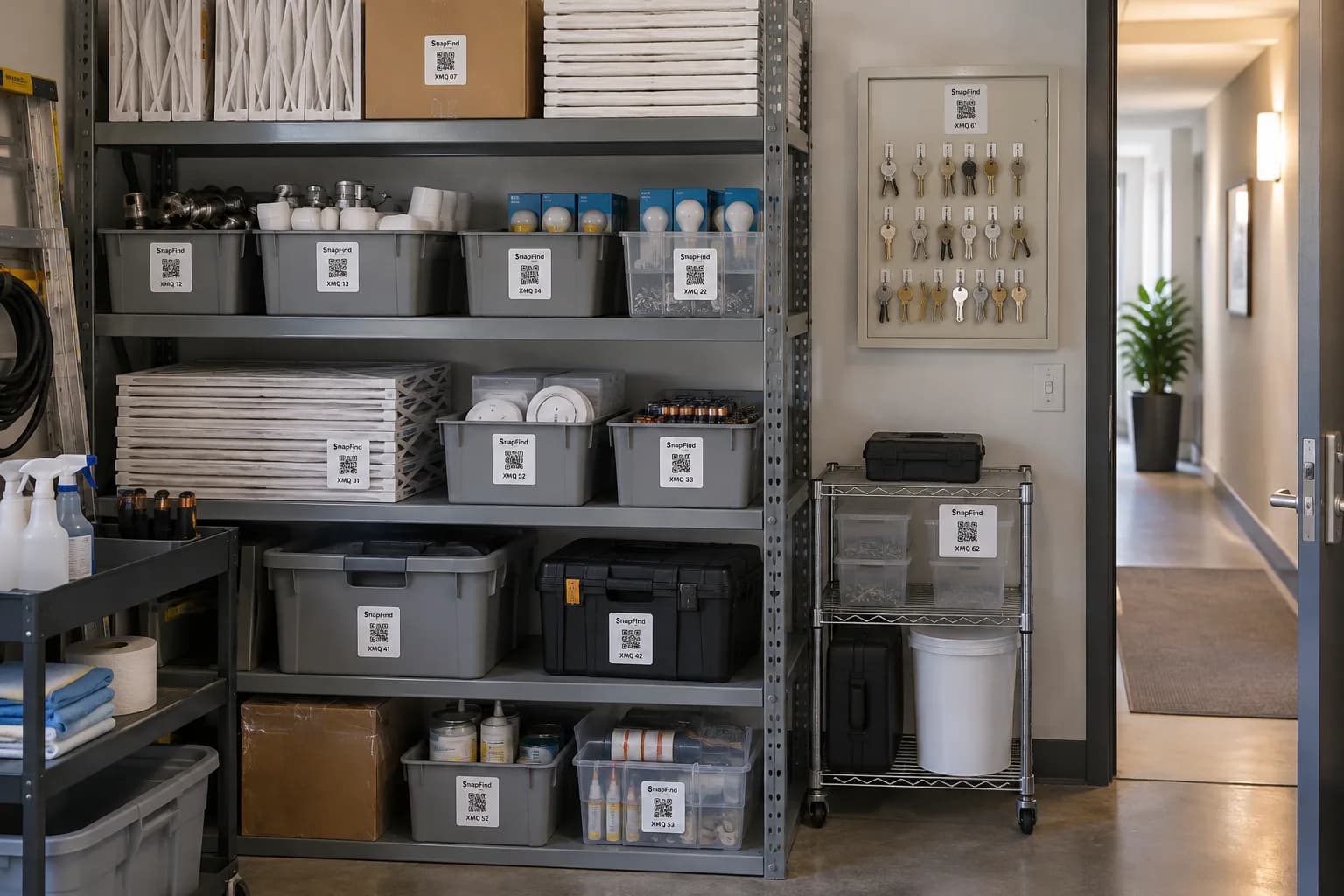
Property management
Every unit’s appliances, furnishings and spares, with photos for move-in and move-out.
Learn moreGet your first shelf done today.
Start a 14-day trial for your whole team. $0 today, cancel anytime, and we will move your spreadsheet in for you.