
How to Track Inventory for a Small Business Without a Warehouse System
Most advice about small business inventory tracking is written for a business that sells 400 units of the same thing. It talks about SKUs, reorder points, cycle counts and a barcode scanner on the counter. If that is your business, that advice is correct and this post is not for you.
This post is for the other kind of small business, which is most of them: a salon, a contractor, a dental office, an event company, a coffee roaster, a print shop, a reseller, a one-location retailer with a back room. Businesses that own a lot of different things, in several places, and lose money not because the count is wrong but because nobody can find the thing. Here is how to track that kind of inventory without buying a system built for a warehouse.
Stock versus stuff
Two inventories live in almost every small business, and they need different tools.
Stock is many units of the same product. Sixty bags of the house blend, 200 of the same phone case. What matters is the count, and the questions are "how many are left" and "when do I reorder." Stock wants a system with quantities, a link to your point of sale, and a report.
Stuff is many different things. The backup espresso grinder, the tripod, the box of client files from 2024, the spare chairs, the seasonal display pieces, the drill, the laptop the intern used, the extra tablecloths. What matters is where it is, and the questions are "where is the thing" and "do we already own one."
Stock systems are terrible at stuff, because every item is its own SKU with a quantity of one and no photo. Stuff systems are terrible at stock, because they do not count. Most businesses under ten people have far more stuff than stock, and it is the stuff that gets bought twice.
The stuff system, in four parts
Locations are spaces. The front of house, the back room, the van, the storage unit across town. Each is a space in SnapFind, and one search covers all of them, so "do we have a spare card reader" is answered without walking to the back.
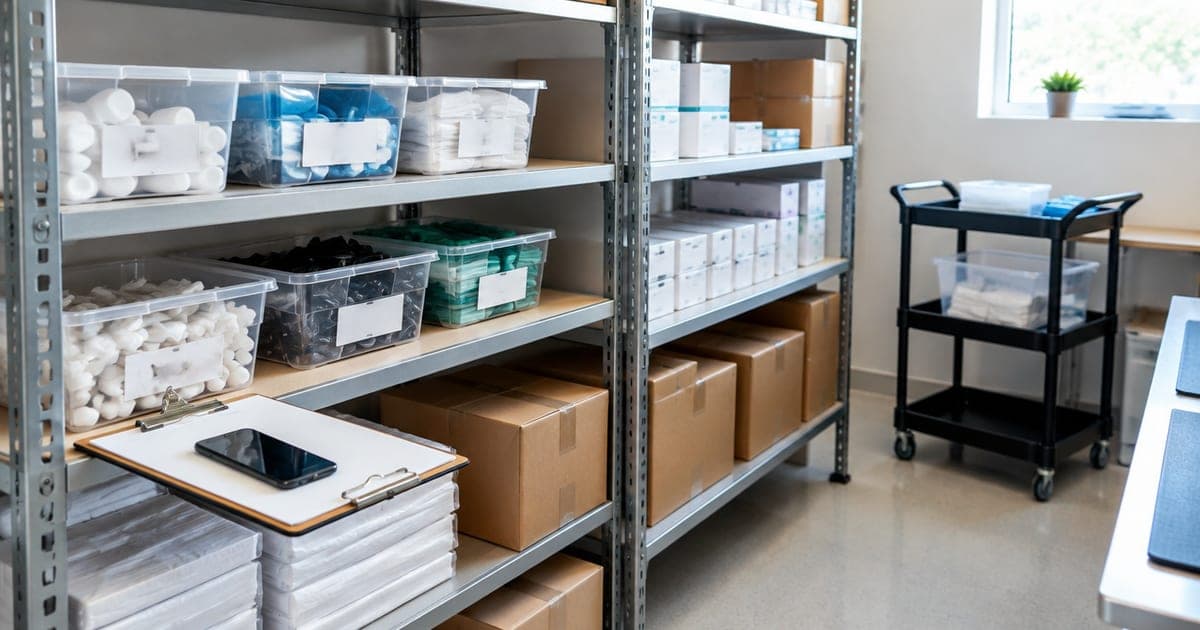
Bins and shelves are containers with labels. Every bin, shelf, cabinet and vehicle gets a QR code label. The label never changes; the record behind it does. That is what makes the system survive the day someone shoves the new display stand into the wrong bin.
Photos are the data entry. Scan the bin, take one photo, and the AI names what is inside. A shelf of packaging supplies comes back as tissue paper, kraft boxes, a tape gun and ribbon spools. Nobody types. This is the difference between an inventory that gets built and one that gets planned.
Everyone searches the same list. A shared inventory means the person who put it away and the person looking for it are working from the same record. The morning shift adds the delivery; the evening shift finds it.
What to record, and what to skip
The mistake is recording everything about everything. The rule: record what you will look up later, once, when the item arrives.
- Equipment worth replacing: photo, location, serial number, model, purchase date, price paid, warranty end. Custom fields hold all of these on the item, and the serial photo is what you will want for a warranty call or a claim.
- Supplies you reorder: a photo and a name. "Box of receipt paper, 40 rolls" is enough. If you find yourself needing exact counts, that item has crossed into stock.
- Things people borrow: the laptop, the projector, the van keys, the good camera. Mark them checked out to a person when they leave, with a reminder, and the "who has the projector" text stops.
- Consumables nobody searches for: skip them, or give the shelf one photo.
Who this fits
A few businesses where this is the whole inventory problem:
Service businesses with equipment. Salons, clinics, studios, gyms. The inventory is chairs, machines, tools and supplies across rooms. Counts rarely matter; locations and serial numbers do.
Trades and field crews. Trucks are containers, cases are containers inside them, and tools move between them daily. We wrote the tool tracking version of this system.
Event and AV companies. Every road case is a manifest, and the question at strike is "is everything in the case that was in it this morning."
Resellers. Hundreds of one-off items across bins, where the whole job is finding the sold item fast enough to ship on time. That is a stuff problem with a deadline.
Offices with an IT closet. Laptops, monitors, cables, the spare keyboard drawer. Photo-first IT asset tracking with no deployment project.
The weekly ten minutes
An inventory stays useful in proportion to how cheap it is to keep current. The loop:
- Something arrives: photograph it into the bin it goes in. Thirty seconds, done by whoever unboxed it.
- Something moves: scan its new location. Five seconds.
- Something leaves with a person: check it out to them.
- Friday: search for anything the team asked about that week and could not find. If the answer was wrong, fix the record. Ten minutes.
That is the entire maintenance schedule. Compare it with the quarterly count that never happened.
When to graduate
Be honest about the line. If you find yourself reordering the same products on a schedule, needing cost of goods per sale, or wanting stock levels to sync with an online store, you have a stock problem, and a photo inventory is the wrong tool for it. Get a stock system for the products. The equipment, supplies and back room stay in the stuff inventory, because a stock system will never tell you which shelf the spare grinder is on.
Most small businesses never cross that line, and the ones that do keep both.
The afternoon it takes
Pick the back room. Label the bins and shelves. Scan and photograph each one. Invite the two people who ask "where is the" most often. By closing time, the back room is searchable from the front counter, and the next time someone reaches for the company card to replace something, the first step is a search.
Frequently asked questions
What is the easiest way to track inventory for a small business?
Decide first whether you are tracking stock or stuff. Stock is many units of the same product, and it wants counts, reorder points and a point-of-sale link. Stuff is many different things in many places, and it wants a photo, a location and a search bar. Most businesses under about ten people have far more stuff than stock, and a photo inventory with QR-labeled bins covers it in an afternoon.
Do I need barcode scanners to track inventory?
Not for a stuff inventory. Your team's phones read QR labels and product barcodes already. Dedicated scanners and label printers make sense when you are counting thousands of identical units a day; for equipment, supplies and a back room, they are hardware you will maintain and nobody will use.
Can my employees share one inventory?
Yes. A shared inventory means the morning shift and the evening shift search the same list, and anyone can add a photo when something new arrives. SnapFind's Teams plan covers a group of up to five sharing one inventory; larger teams can ask about more seats.
What should I record for each item?
A photo, a location, and whatever you will need to look up later: serial number, purchase date, price paid, warranty end, supplier. Custom fields hold those on the item. Record them once, when the item arrives, and skip them for consumables you will never look up.
When should I move to a real inventory management system?
When counts start to matter more than locations: you are reordering the same products on a schedule, you need cost of goods per sale, or you are syncing stock levels to an online store. At that point a photo inventory is the wrong tool. Until then, it is the right one, and the equipment side of the business stays in it even after you add a stock system for products.
Start with the back room. Download SnapFind, photograph one shelf, and search for it from the front counter. More than five people? The Teams page covers larger groups.